
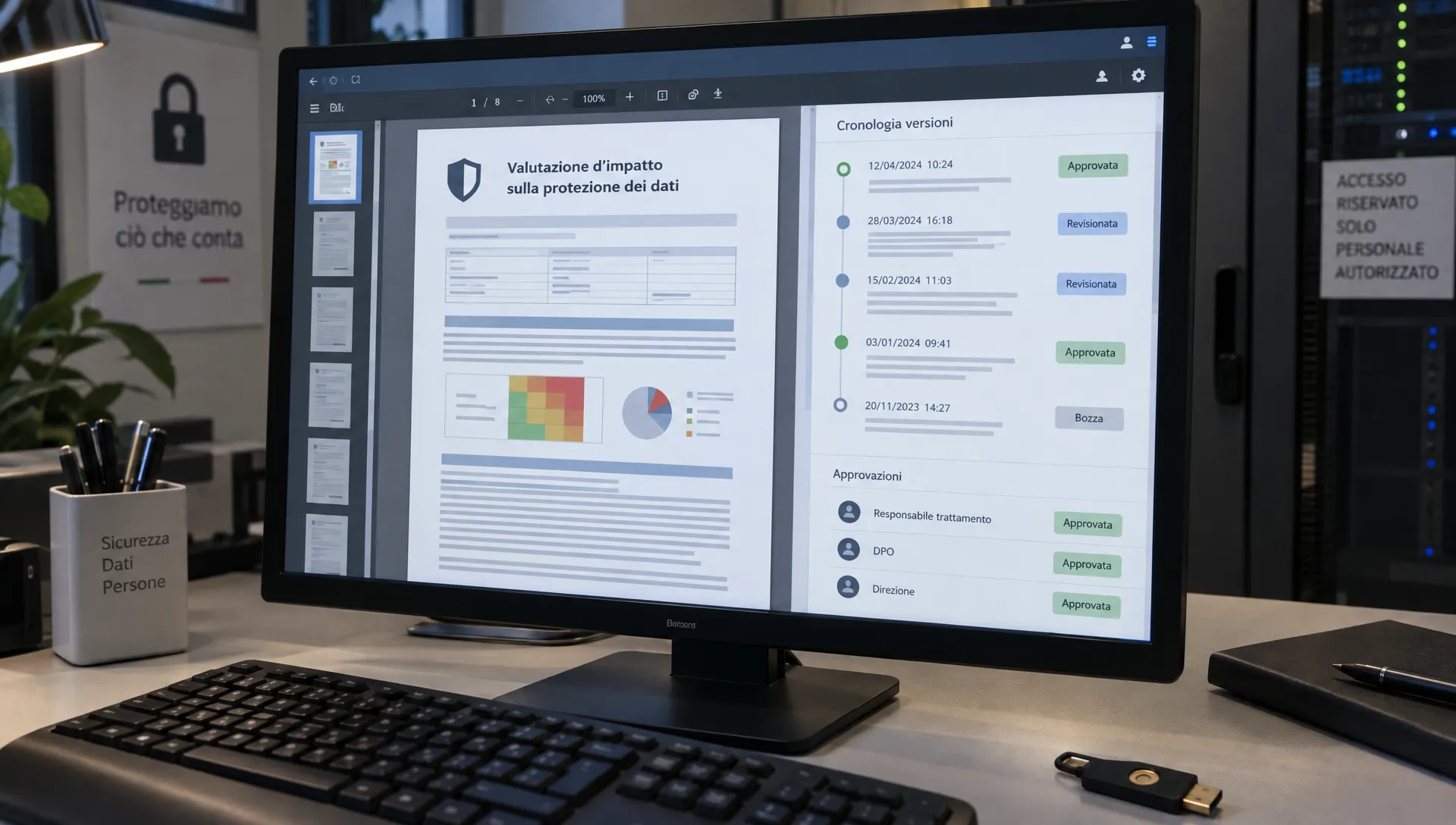
Choosing a DPIA management tool is not just about filling in a form — it’s about being able to reconstruct who decided what, when, and why. A useful DPIA record ties the documented processing, the opinions provided, the organizational decision and the evidence together, so you can demonstrate reasoning and follow-up over time.
This article gives practical guidance and concrete tests to run in a demo so you can compare solutions and verify that the tool produces a coherent, auditable file: responsibilities, controls, versions and remediation should remain linked even after edits and handovers.
What a DPIA record should document
Under Article 35 of the GDPR, a DPIA must describe the processing, assess necessity and proportionality, identify risks to data subjects, and list measures to address them. The data controller should seek the DPO’s opinion where one is designated; Article 39 assigns the DPO advisory and oversight tasks related to DPIAs.
A DPIA management tool therefore needs to support clear separation of roles: who prepares the assessment, who issues an opinion, and who takes the organizational decision. There is no mandated single workflow in the GDPR, but the following operational tests help verify that the software preserves reliable evidence. They are selection criteria, not a compliance certificate or legal advice.
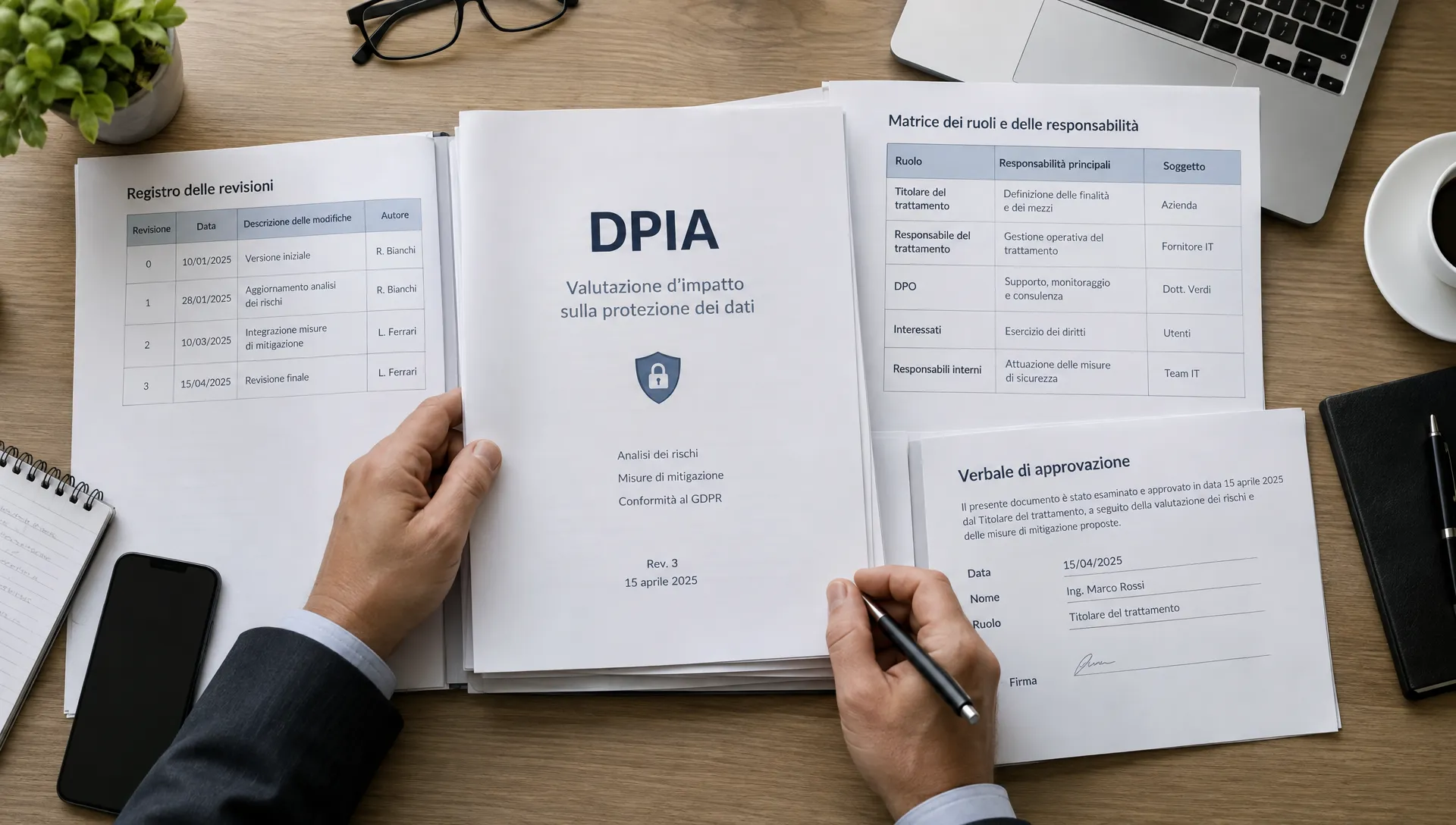
Role separation and accountability
Tools that rely on a single admin account and one generic “Approve” button make it hard to understand the chain of responsibility. Start from the real roles in your organization and map them to verifiable permissions.
Example responsibilities (adapt to your structure):
- Process owner: describes purpose, data flows and processing modalities — evidence: identifiable version of the description and confirmation of the inputs.
- IT/security lead: documents technical measures and test results — evidence: configuration snapshots, test outputs, and documented limitations.
- DPO (when designated): provides an opinion and monitors the DPIA — evidence: opinion tied to a specific document version.
- Approver delegated by the controller: takes the organizational decision within delegated powers — evidence: decision record, rationale and any conditions.
- Auditor: inspects the file without altering it — evidence: read-only access logs and export capabilities.
Remember: application roles do not replace formal delegations. The DPO may help prepare the DPIA, but their contribution must remain distinct from the controller’s decision.
Test permissions, including negative tests
Verify what users cannot do as well as what they can. For example:
- Can an external reviewer view an unassigned DPIA?
- Can an author edit an already-acquired opinion?
- Does a disabled user retain access via shared links?
Create test accounts for author, reviewer and approver. Execute the same operations with each profile and record the outcome, including environment, timestamp and permission settings. A single screenshot of a menu is not sufficient proof that a control actually prevents the operation.
Also examine administrative privileges: if an admin can change content or roles, how are those admin actions logged and by whom can they be audited? A super-admin is not inherently a problem — lack of visibility over its use is.
Audit logs: reconstruct events beyond “audit trail” labels
A useful log answers four questions: who acted, what they did, when they did it, and on which object or version. For meaningful changes you should be able to see prior and subsequent content, either via stored versions or recorded differences.
“Last modified by” is insufficient because it does not say whether a purpose changed or whether the edit was a minor typo.
Events to check in the audit trail
During a demo, check for recorded creation and revision events, state transitions, opinions, approvals, attachment replacements, permission changes, exports and deletions. Ask what metadata is captured for exports and for retention-limited operations.
Ensure the event ordering is clear: timestamps, timezone information and attribution for actions performed by integrations or technical accounts matter. An event logged as “system” can be inadequate if it does not allow you to trace the triggering operation back to a specific actor or integration.
Also ask who can modify or delete logs. Claims like “immutable logs” should be technically explained and demonstrable — don’t accept marketing statements alone. See our guidance on building verifiable audit trails at /en/blog/audit-trail-best-practices.
Privacy scope of logs
Logs often contain personal data. Apply GDPR principles of data minimization and retention to logging. Use synthetic test data for demonstrations rather than real customer or employee records. Verify who can access logs, what retention policies exist, and how exports behave. Unlimited retention is not inherently better — it must be justified and aligned with legal obligations.
Approvals: link decisions to the exact version reviewed
The most important control for approvals is a clear link between the decision and the version examined. An “approved” flag should allow you to identify the exact document version, the identity of the decision maker, the date and any conditions attached to the approval.
Try this sequence in a demo: capture a DPO opinion, approve the DPIA, then change a security measure. Does the system preserve the decision tied to the previous version? Does it flag that the current content differs from what was approved? Can it trigger or suggest a re-review?
Not every editorial change should restart the whole process. However, you need internal rules to distinguish formal corrections from substantive changes. Adding new categories of data, new recipients, or altering mitigations are types of changes that commonly require reassessment.
Opinion, dissent and decision are distinct
The DPO’s opinion must remain distinct from the controller’s decision. If the opinion contains observations, the record should show how those were addressed: was the DPIA modified, was a new control implemented, or did the controller document a reasoned decision to proceed?
Conditional approvals should be explicit: “Approved with conditions” must list open items, responsible owners and whether processing can begin before closure. Also note that an internal acceptance of residual risk does not replace the obligation to consult the supervisory authority under Article 36 where applicable.
Remediation: from planned measures to evidence of effectiveness
A mitigation recorded in the DPIA can be planned, implemented, or validated. These states are not equivalent. The file should make clear which controls are operational and which depend on future actions.
For each remediation item assign an owner, a deadline, a completion criterion and expected evidence. “Limit access” is too vague; “remove unnecessary privileges and verify access logs for the affected profiles” is verifiable.
Do not mark an action complete simply because a file was uploaded. A configuration document shows an intended setting; a test demonstrates that the control operates as designed. Linking each risk to remediation and to audit evidence prevents the DPIA from becoming a collection of disconnected files. See related guidance at /en/blog/evidenze-di-audit.
When the tool manages corrective actions, check what happens at deadline: who can close the item, how are failed verifications handled, and can actions be reopened while preserving history? Closing a remediation technically should not automatically trigger risk reassessment unless your process defines that linkage — verify how the tool connects remediation closure and DPIA reassessment.
A compact demo scenario to bring to the vendor
Use a synthetic scenario to keep the demo focused: for example, an employee self-service platform with attached documents and separated access groups. You don’t need to model the entire enterprise; introduce a change that could affect the DPIA, such as granting access to a new user group.
Agree on expected outcomes before the demo. During the session record what worked, what requires configuration, and what is missing.
Suggested tests:
- Separation of duties: attempt to open an item with an unassigned account — expected: access denied.
- Opinion integrity: try to modify an acquired opinion — expected: original preserved and any new opinion version distinct.
- Approved version fidelity: change a measure post-approval — expected: approved version stays recorded and a clear distinction appears between approved and current content.
- Permission revocation: disable a reviewer account — expected: reviewer loses access, including to previously shared channels.
- External reconstruction: export the dossier — expected: decisions, versions and evidence understandable outside the system.
At the end, have someone who did not attend the demo review the exported package. They should be able to identify the processing, the opinion, the decision and outstanding actions without relying on the vendor’s oral explanations. A tool can have a clean UI yet produce an incomplete export; evaluate both everyday usability and the auditor’s ability to reconstruct the file.
Turning tests into a purchase decision
Do not score features as if they were all equally important. Define your blocking requirements first — for example, preservation of approved versions, attribution of decisions, and capability to revoke access — and require demonstrable evidence for each.
Document each requirement’s test outcome and the proof provided. Distinguish between what was verified in the demo and what is only stated in documentation. If functionality depends on integrations or configuration work, record the dependency and who will carry it out.
Not all gaps carry the same risk. A confusing label is usually fixable; an inability to reconstruct the version on which a decision was based can undermine the entire dossier. Weight issues by impact, not by count.
FAQs
Q: Must the DPO “approve” the DPIA in the software? A: The GDPR separates the DPO’s advisory/supervisory role from the controller’s responsibility. Make opinions and decisions visible and distinct; don’t conflate the DPO’s input with the controller’s organizational approval.
Q: Is a qualified electronic signature required to approve a DPIA? A: Article 35 does not mandate a specific qualified signature. Practically, verify identity of the decision-maker, the version reviewed, and traceability. Additional signature requirements depend on your jurisdiction or internal policies.
Q: When should an approved DPIA be reassessed? A: Article 35(11) requires review where necessary, for example when the risk profile changes. The tool should help identify changes and preserve prior assessments.
Q: Does an audit trail alone prove compliance? A: No. Logs show recorded events within their scope, but must be accompanied by adequate assessment, documented controls, evidence and attributable decisions.
Inspect the dossier, not just the workflow
When evaluating DPIA software, start from the evidentiary package you want to be able to deliver: the reviewed version, the opinion, the decision, controls and remediations with evidence. AuditReady centralizes evidence with ownership, versions and audit trail, and links risks with corrective actions to keep the DPIA file actionable and auditable.
Request a demo of AuditReady’s GDPR module at /auditready/lp/gdpr using the scenario above to see how the dossier is structured and what evidence can be exported.
Audit-ready evidence pack demo / not legal advice