Acknowledgement, Signature and Approval Workflow in AuditReady
This guide explains the full workflow for how a recipient receives a document, confirms they have read it, uploads the signed form, and how the control owner reviews and approves it within AuditReady — ensuring traceability and immutability of the evidence.
Step 1: Sending the personal link to the recipient
With AuditReady, proof that a recipient has read and signed a document is not stored in an ordinary email: it’s handled in a structured and auditable way. The recipient does not need to create an account or log into AuditReady directly.
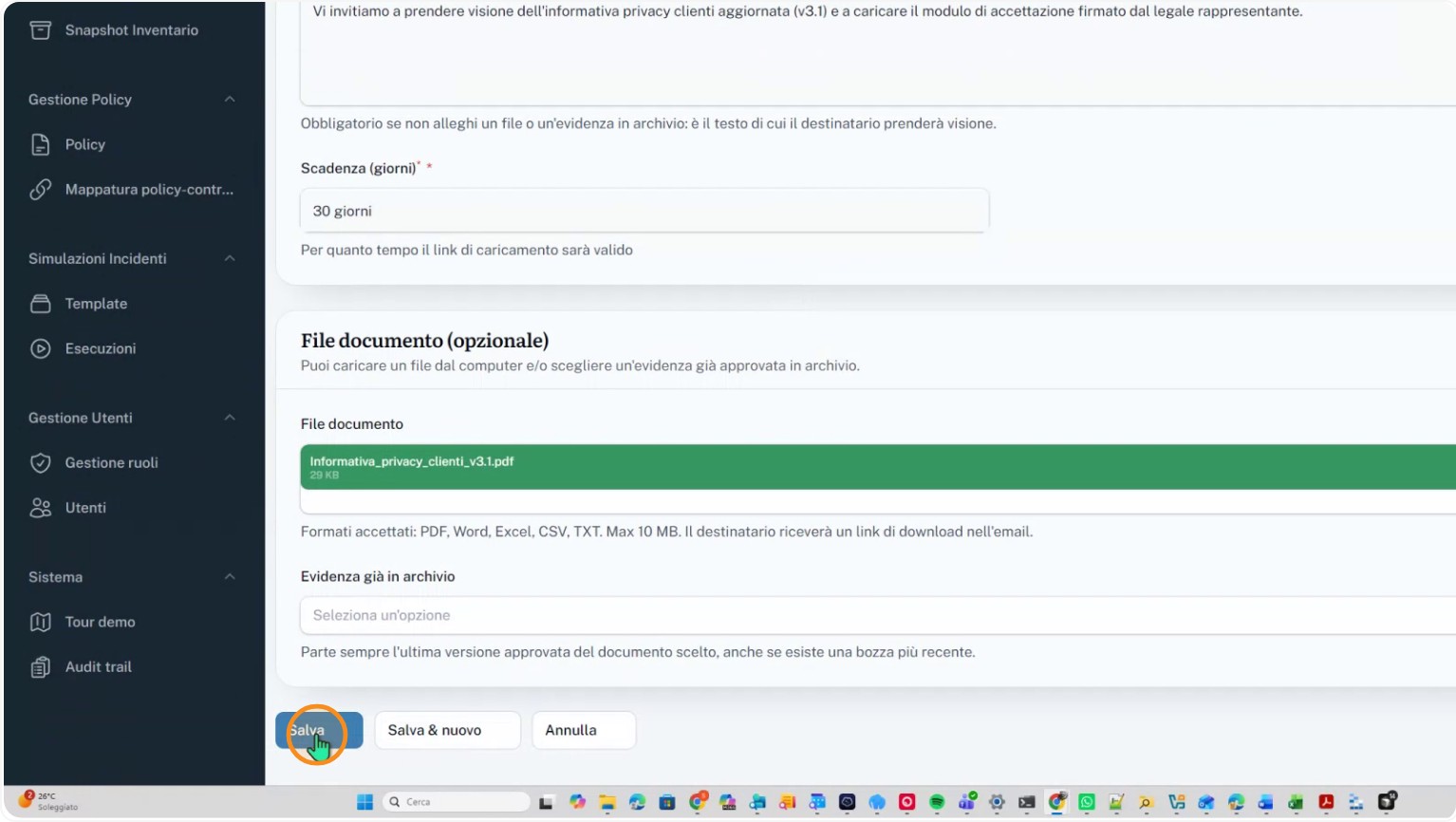
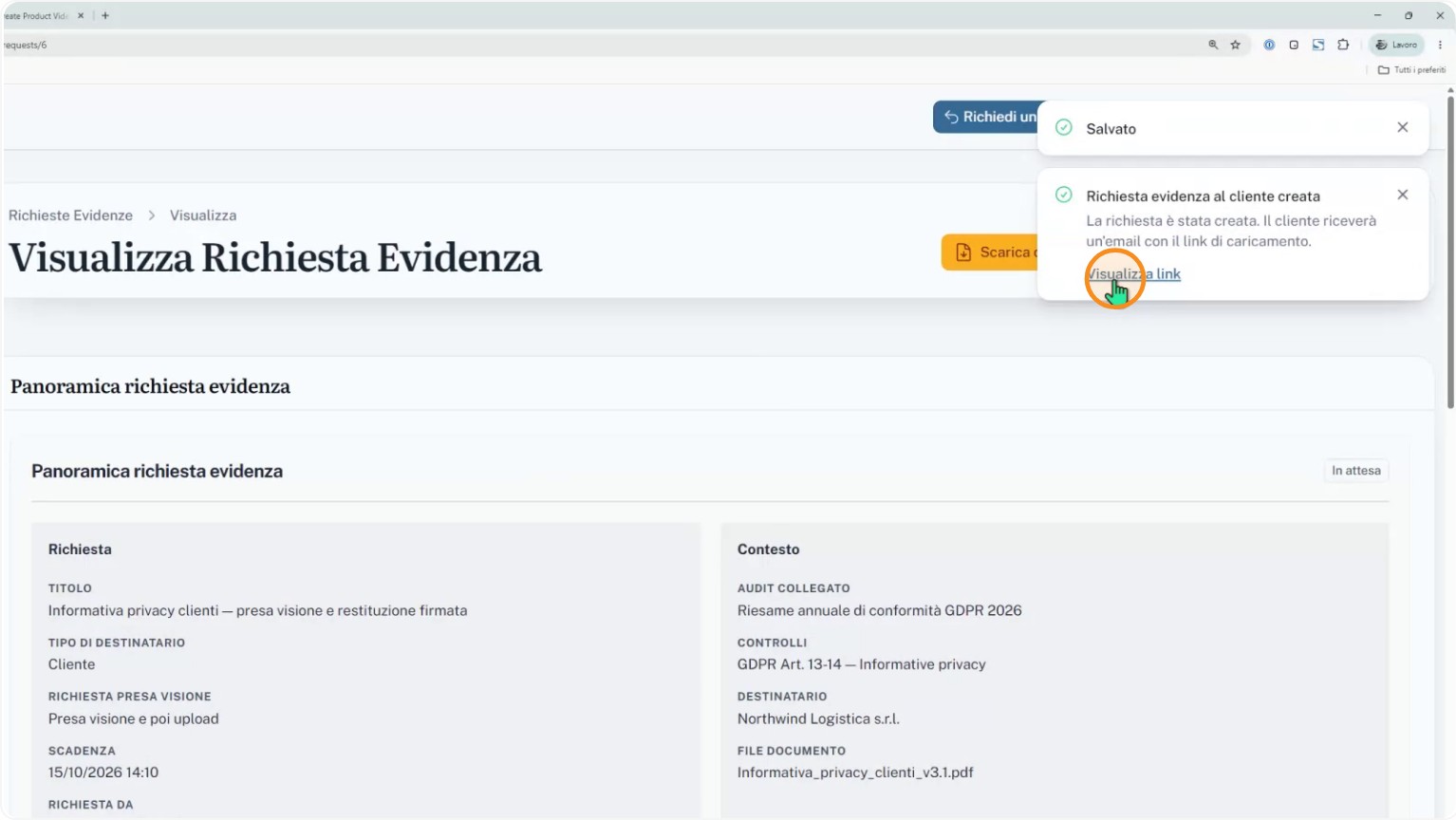
Instead they receive a personal link with a preconfigured expiration, tied to the specific request and the related compliance control.
Step 2: Viewing the information notice and requesting the verification code
Using the personal link, the recipient first downloads the information notice to review it carefully.
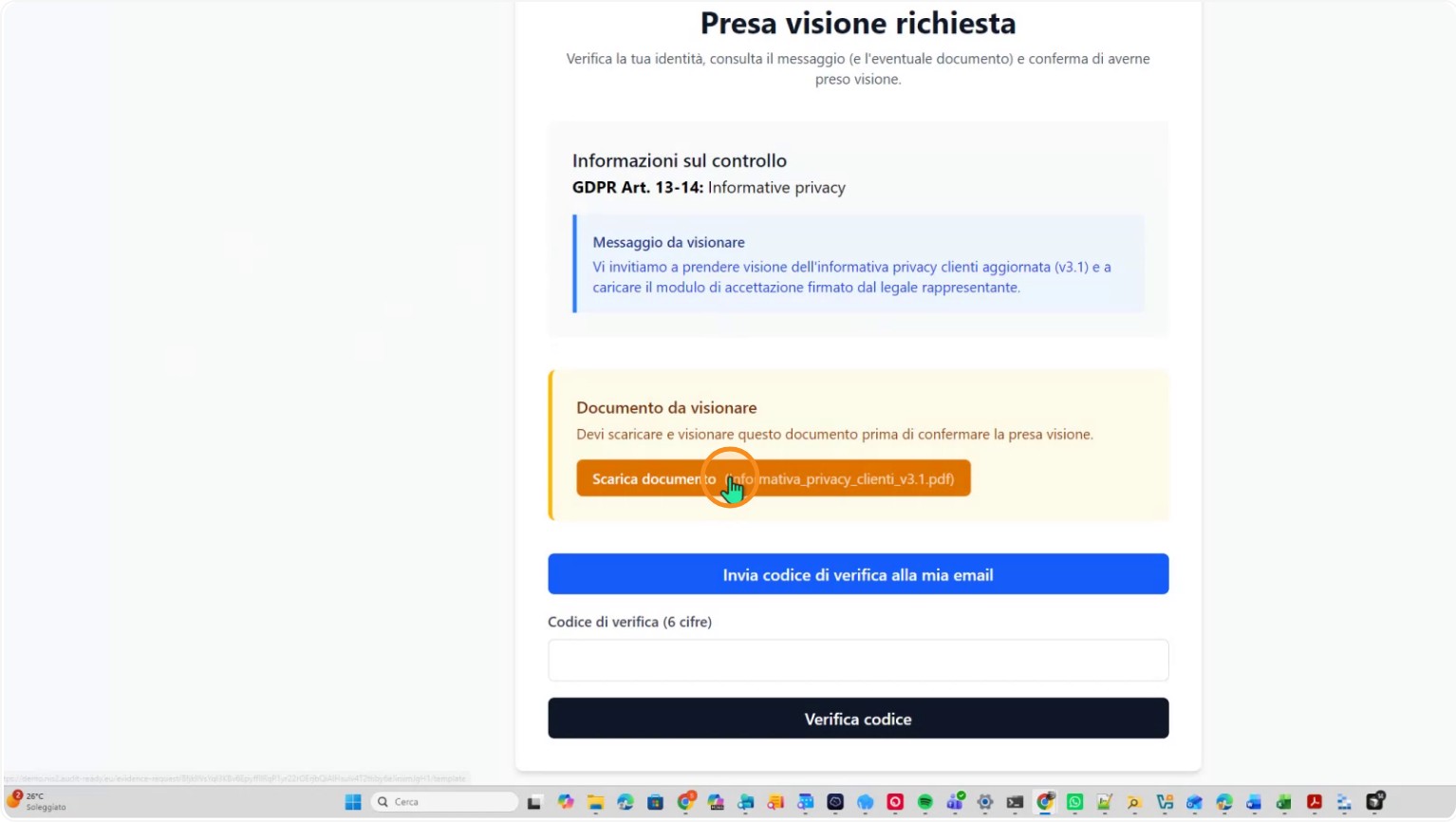
From the same interface they request the verification code needed to continue with the two-factor verification process.
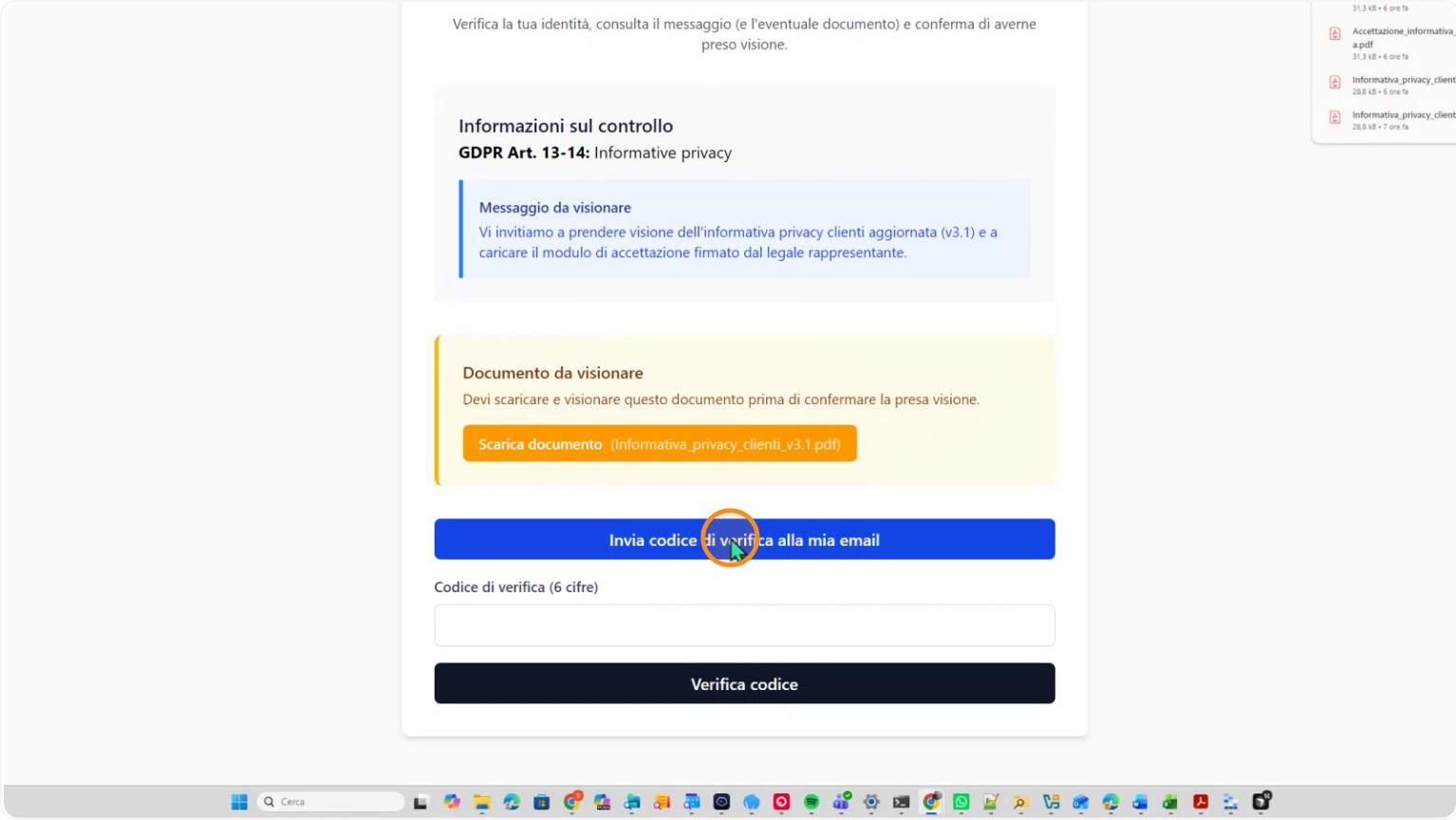
Step 3: Receiving, entering and verifying the two-factor code
The recipient waits to receive the verification code by email while keeping the session open via the personal link. When the code arrives, they enter it into the two-factor authentication field.
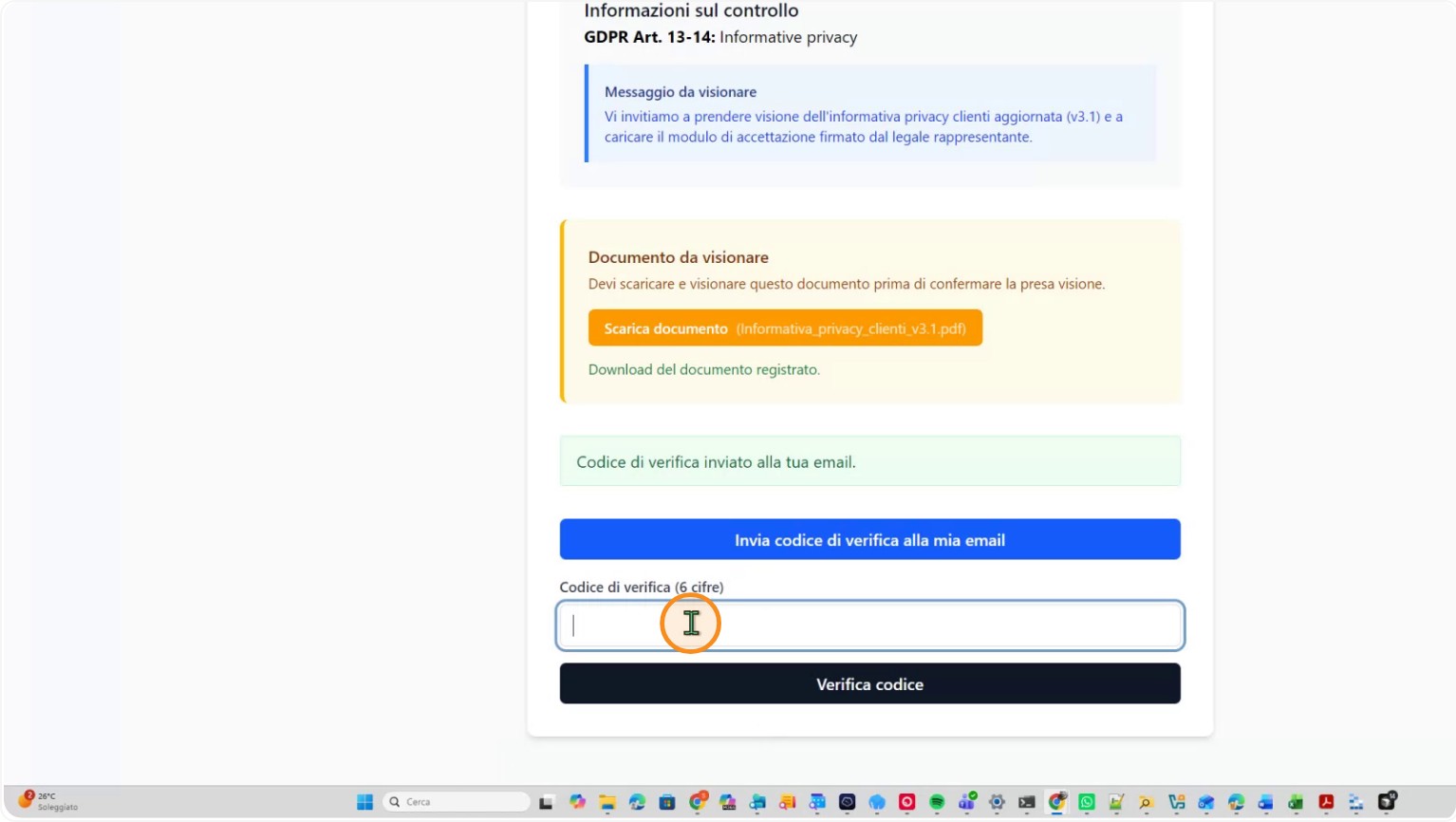
After entering the code correctly, they submit it to confirm their identity and authorize the operation.
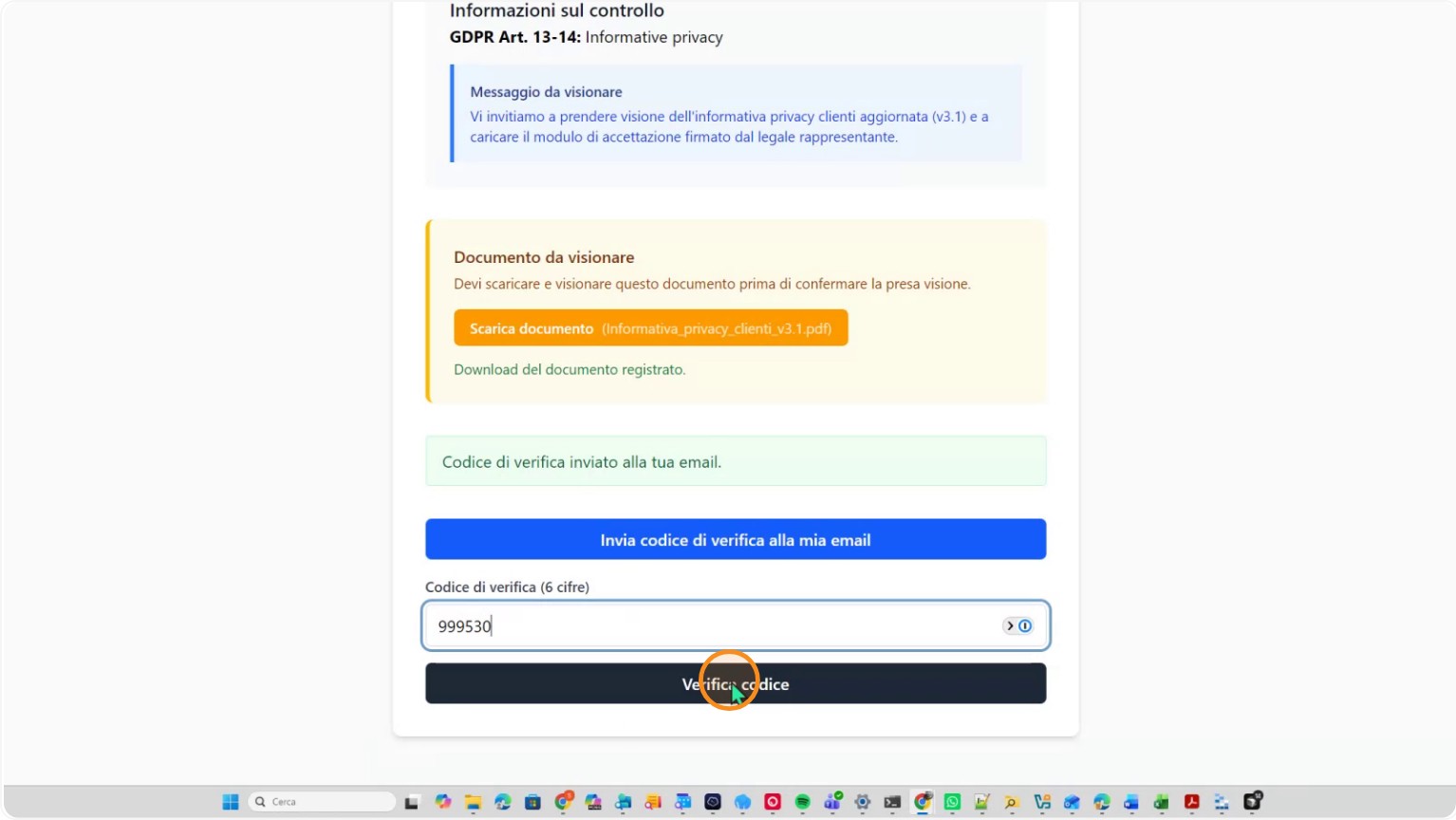
Step 4: Confirming acknowledgement of the document
Once the code is verified, the recipient can formally confirm they have read the displayed document using the dedicated AuditReady function.
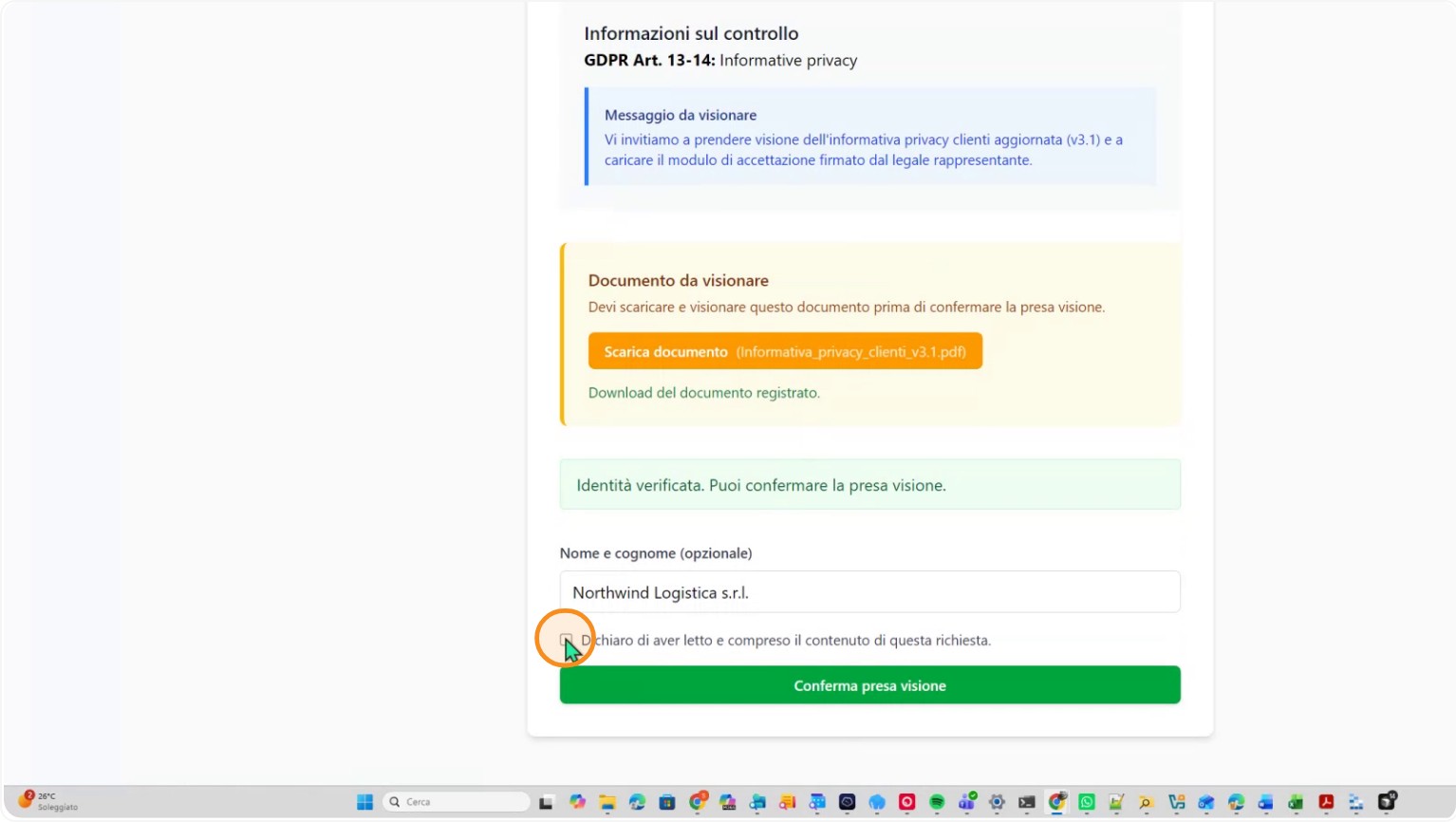
When acknowledgement is confirmed, AuditReady automatically records the person’s name, date, time and IP address, generating the attestation and a copy of the viewed document as formal evidence.
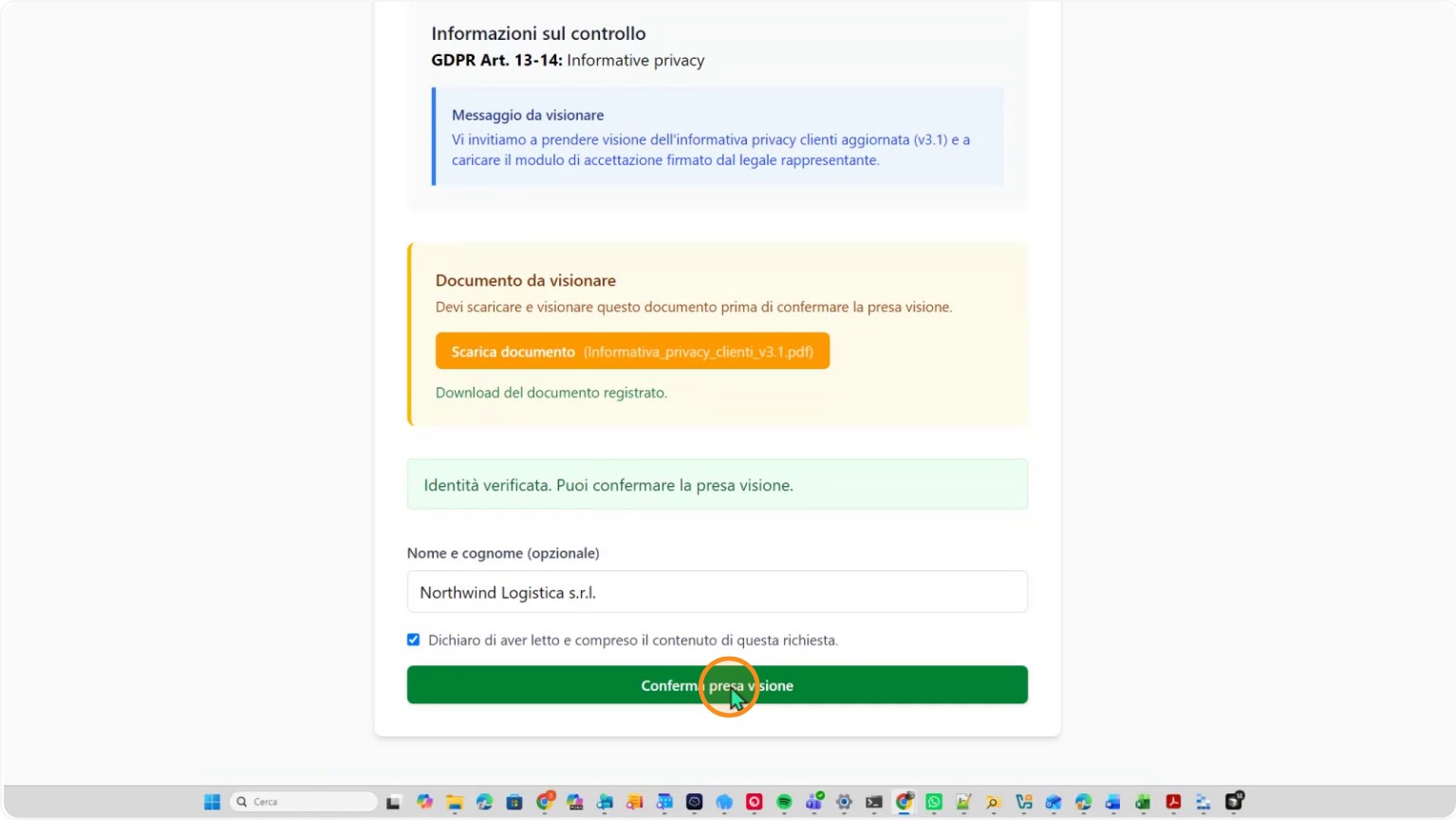
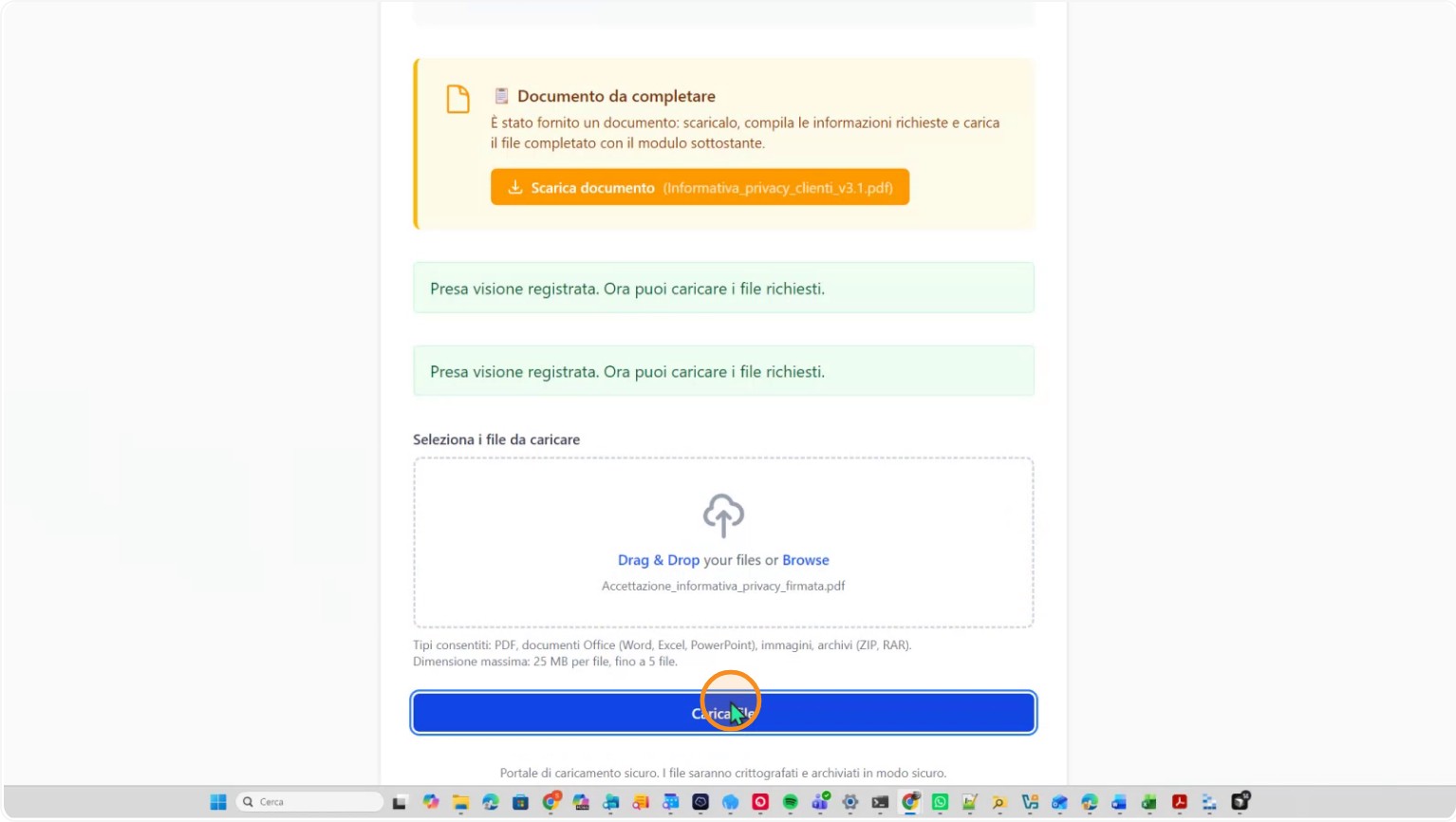
Only after this confirmation is the recipient allowed to upload the signed form related to the document they just reviewed.
Step 5: Uploading the signed document and evidence in the control
Every step of the flow, from acknowledgement to signed form upload, is recorded in the system to ensure transparency and auditability.
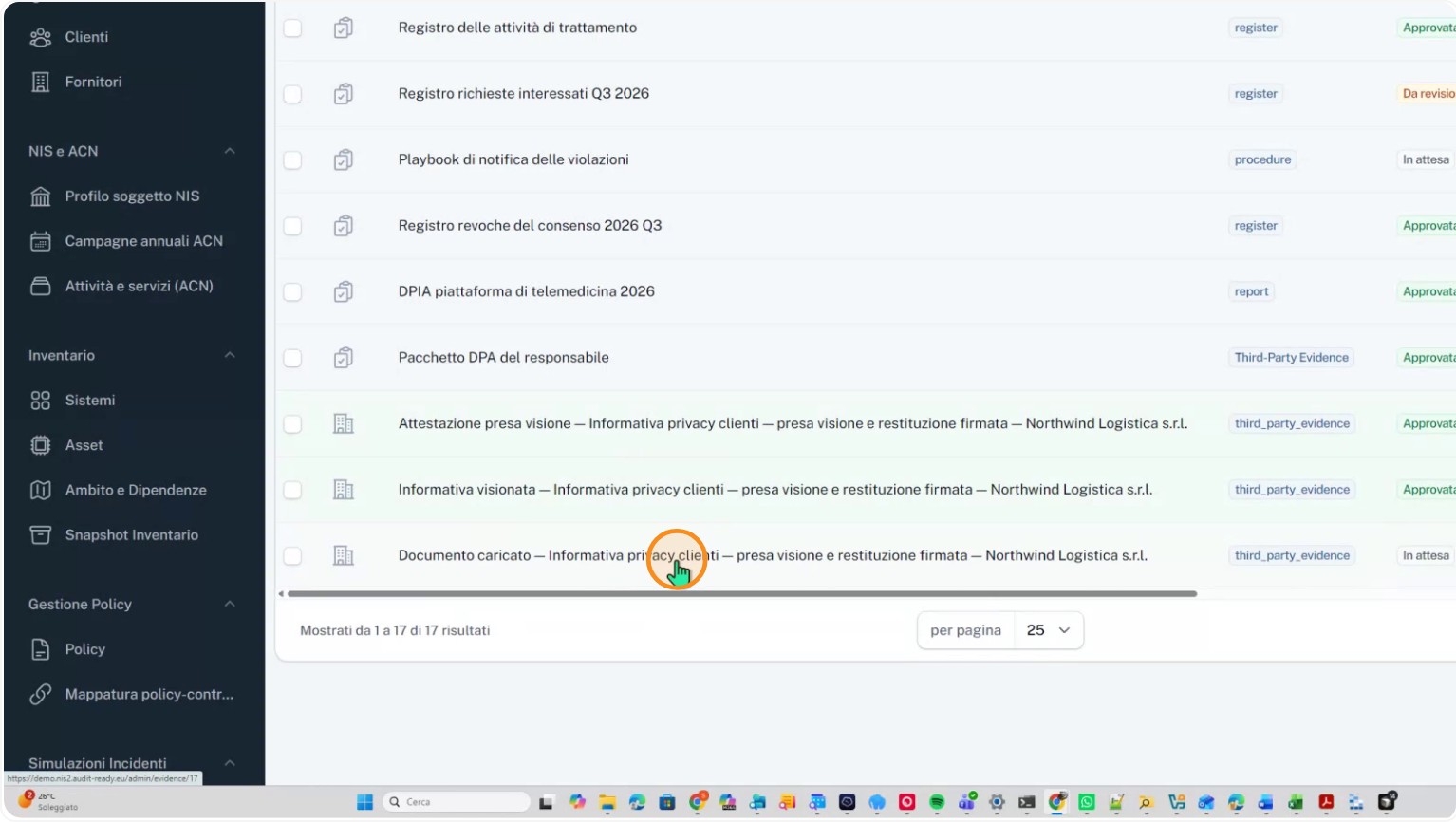
The uploaded document is attached to the same control as evidence linked to the request, alongside the attestation and the copy of the information notice. As shown in the interface, available items include: the acknowledgement attestation, the viewed information notice and the uploaded document, which remains pending approval by the control owner.
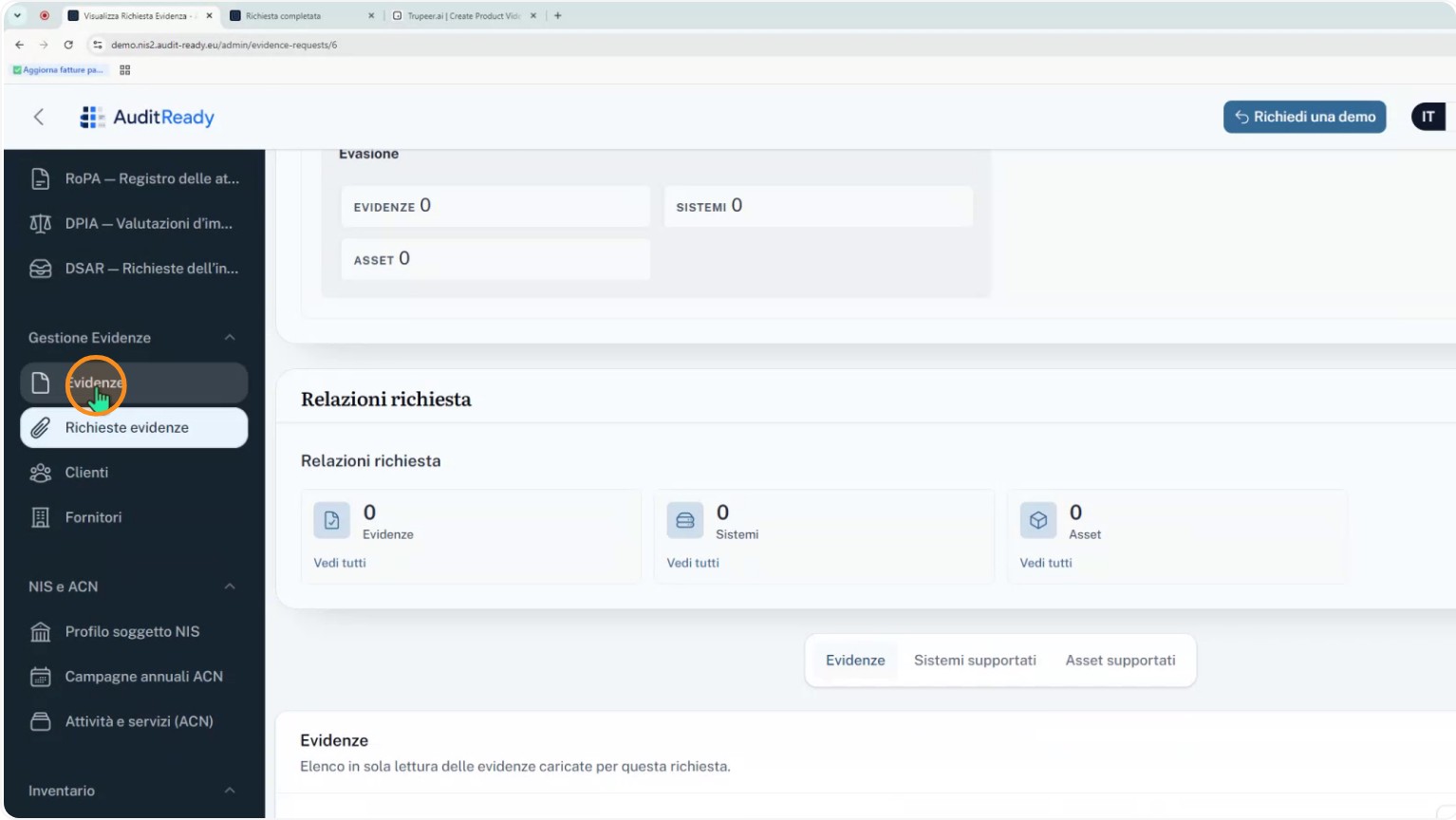
The document stays in the "awaiting approval" state until the responsible reviewer takes action.
Step 6: Review and decision by the control owner
The control owner opens the case and reviews all evidence provided by the supplier or recipient: the acknowledgement attestation, the information notice reviewed, and the signed document.
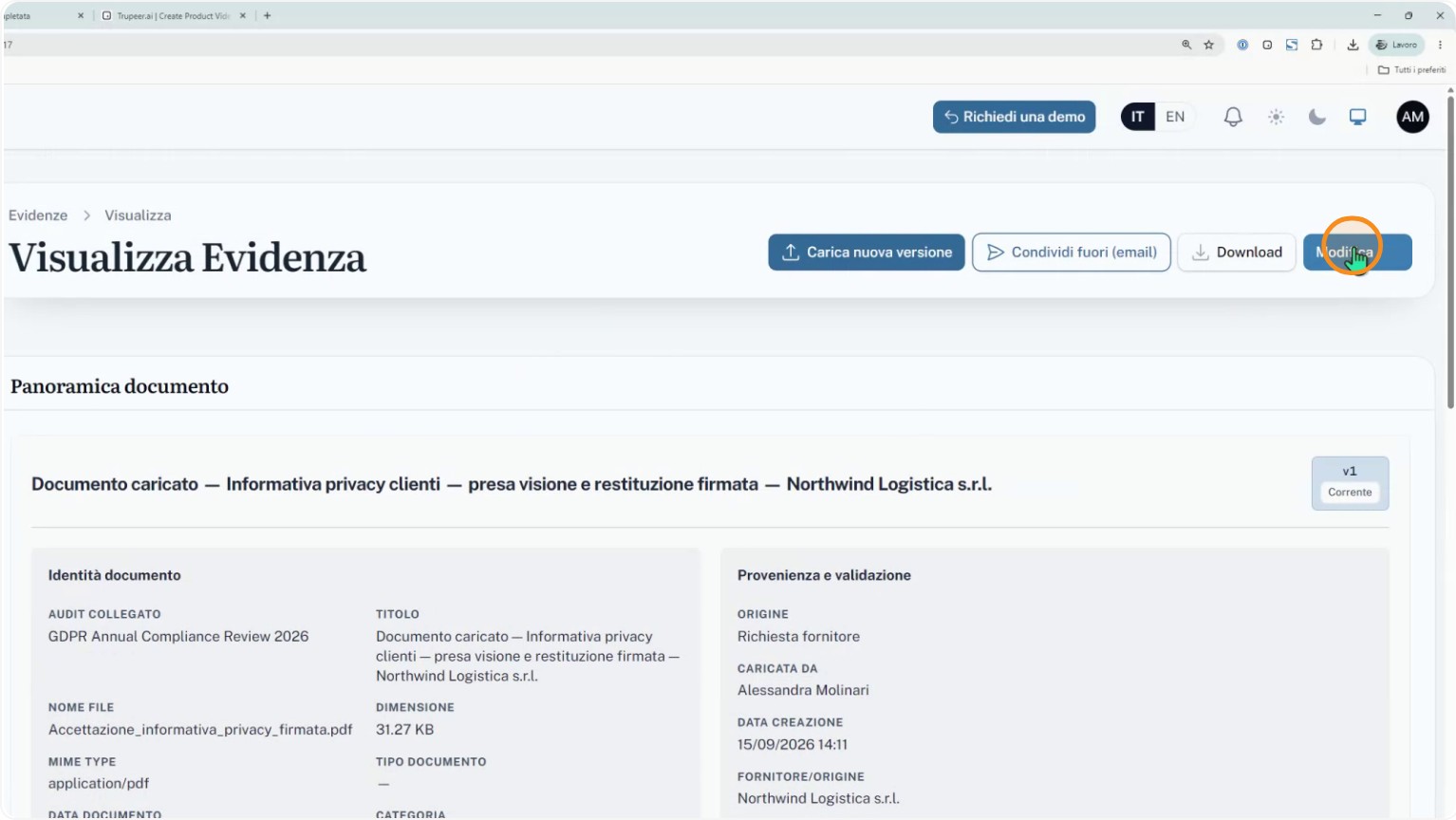
Based on these items, the control owner decides whether to approve or reject the uploaded document using AuditReady’s review functions.
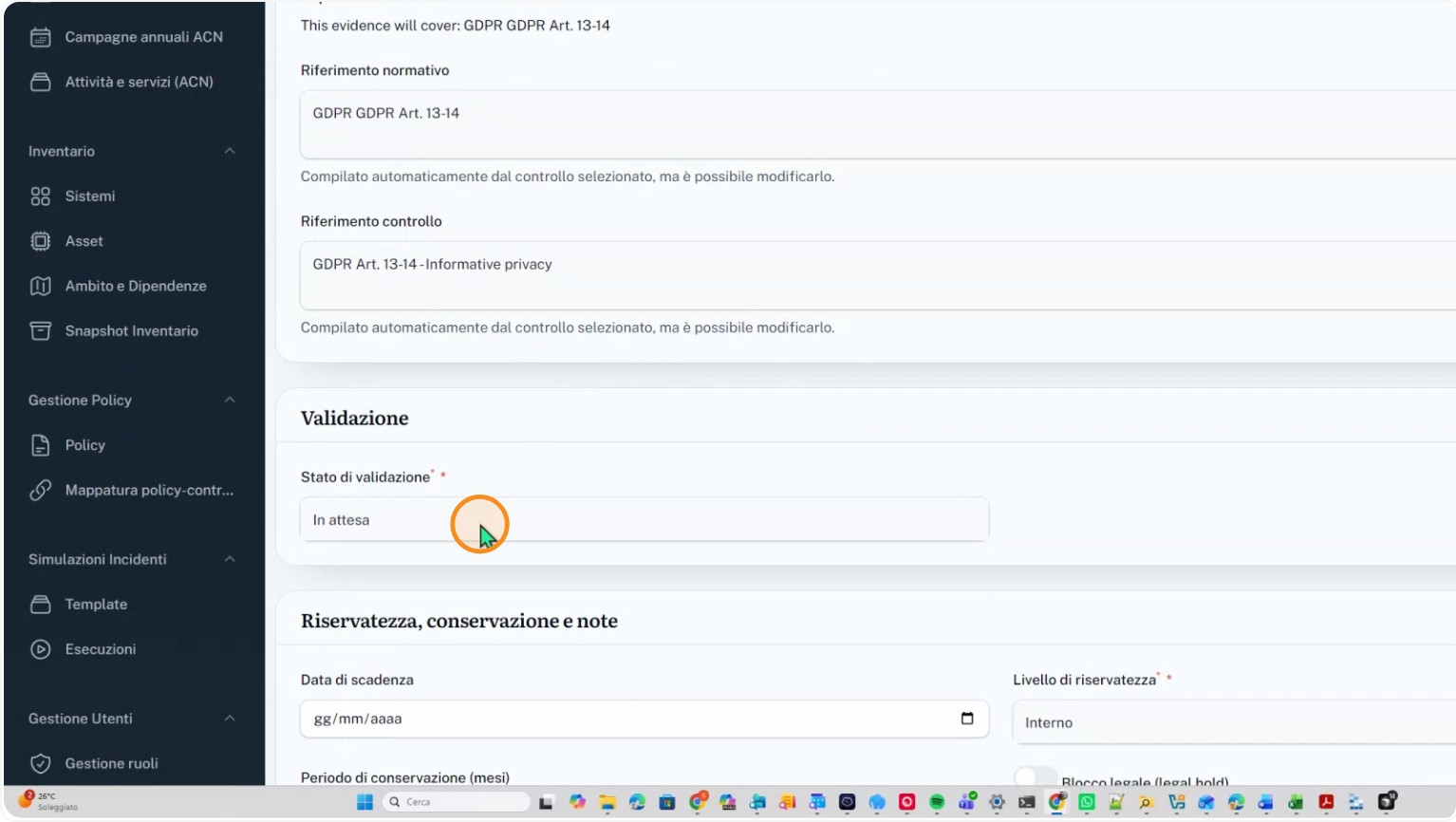
Step 7: Consolidation of the approved evidence
When the control owner approves the documentation, the related evidence is consolidated in the system.
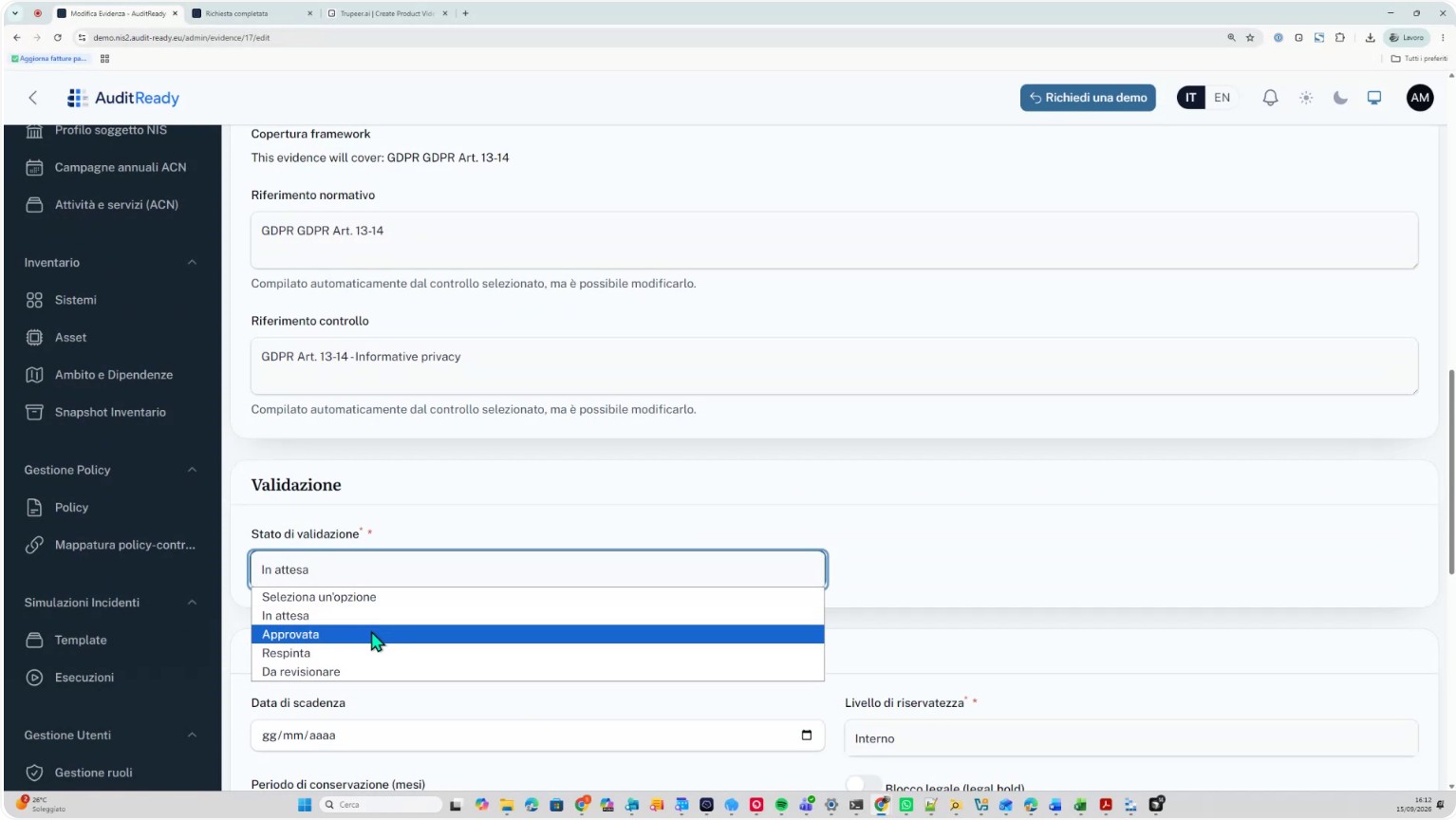
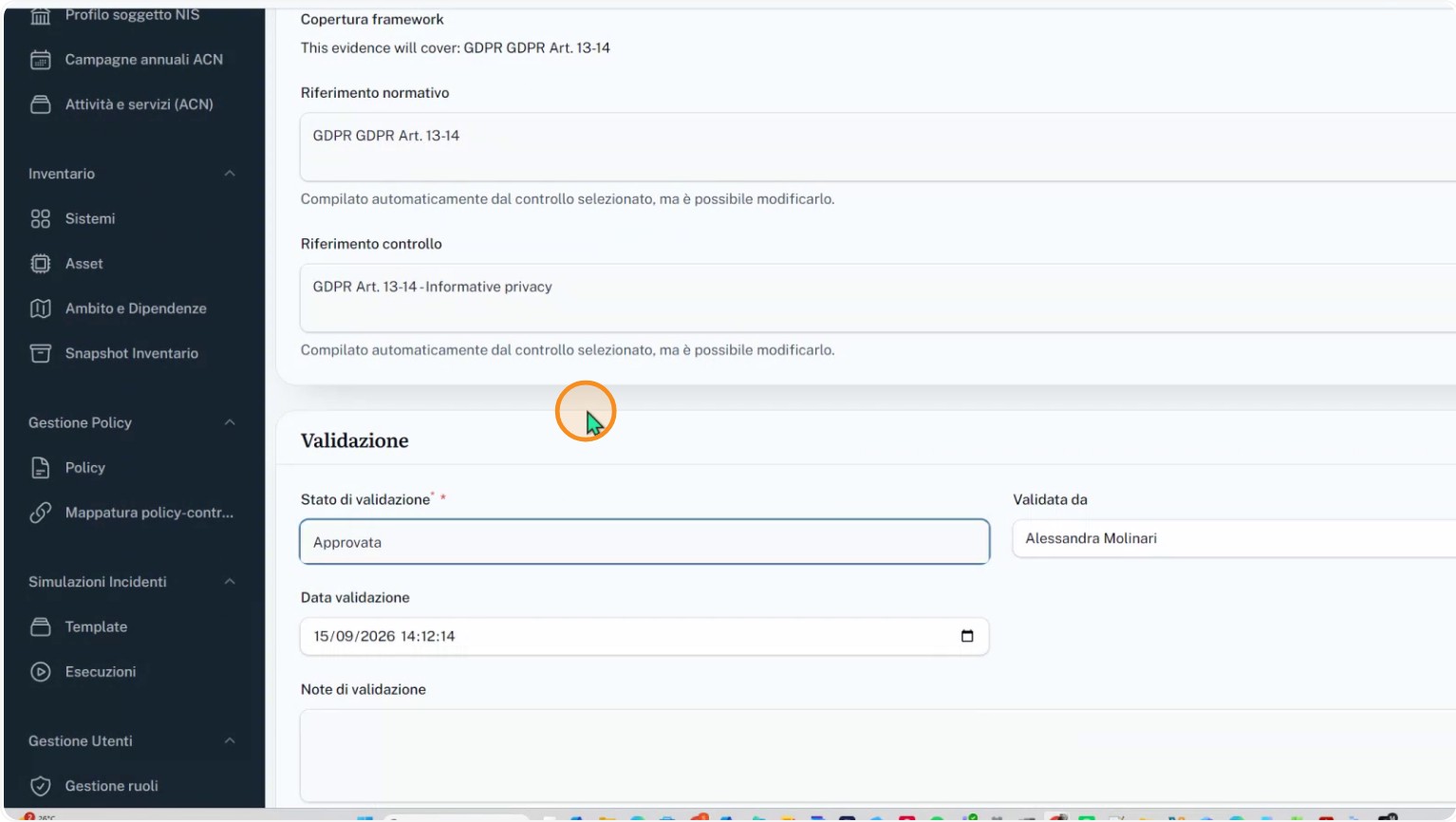
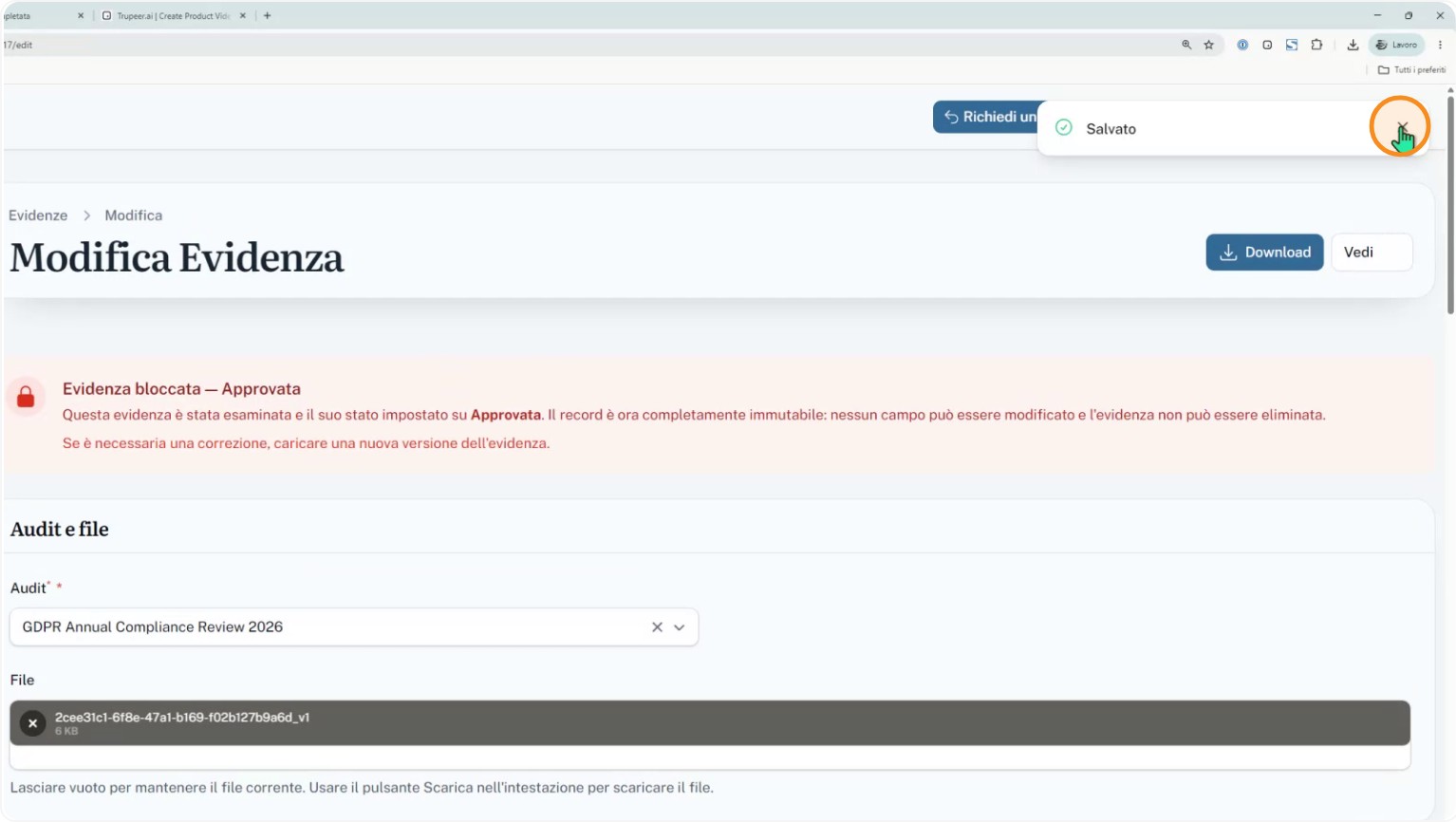
From that moment the evidence becomes immutable and can no longer be altered by anyone, preserving the integrity and probative value of the process.