
Managing control responsibilities and immutable snapshots in AuditReady
This guide explains how to assign primary and secondary owners to controls in AuditReady, use the multi-framework capability, and create immutable snapshots of responsibilities to preserve historical traceability.
Step 1: Assign primary and secondary owners to controls
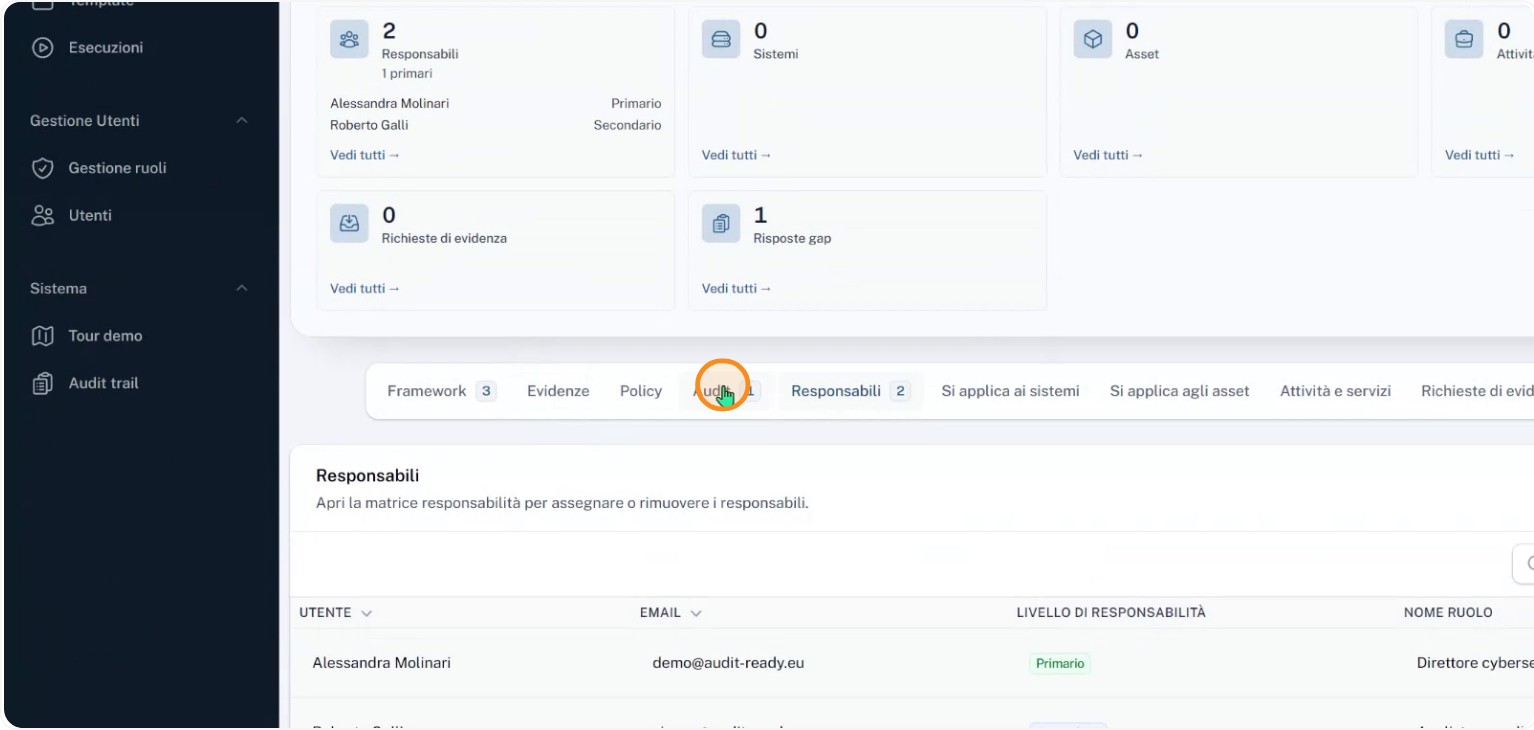
In AuditReady you can assign a primary owner and a secondary owner to each control so it’s always clear who is operationally responsible over time.
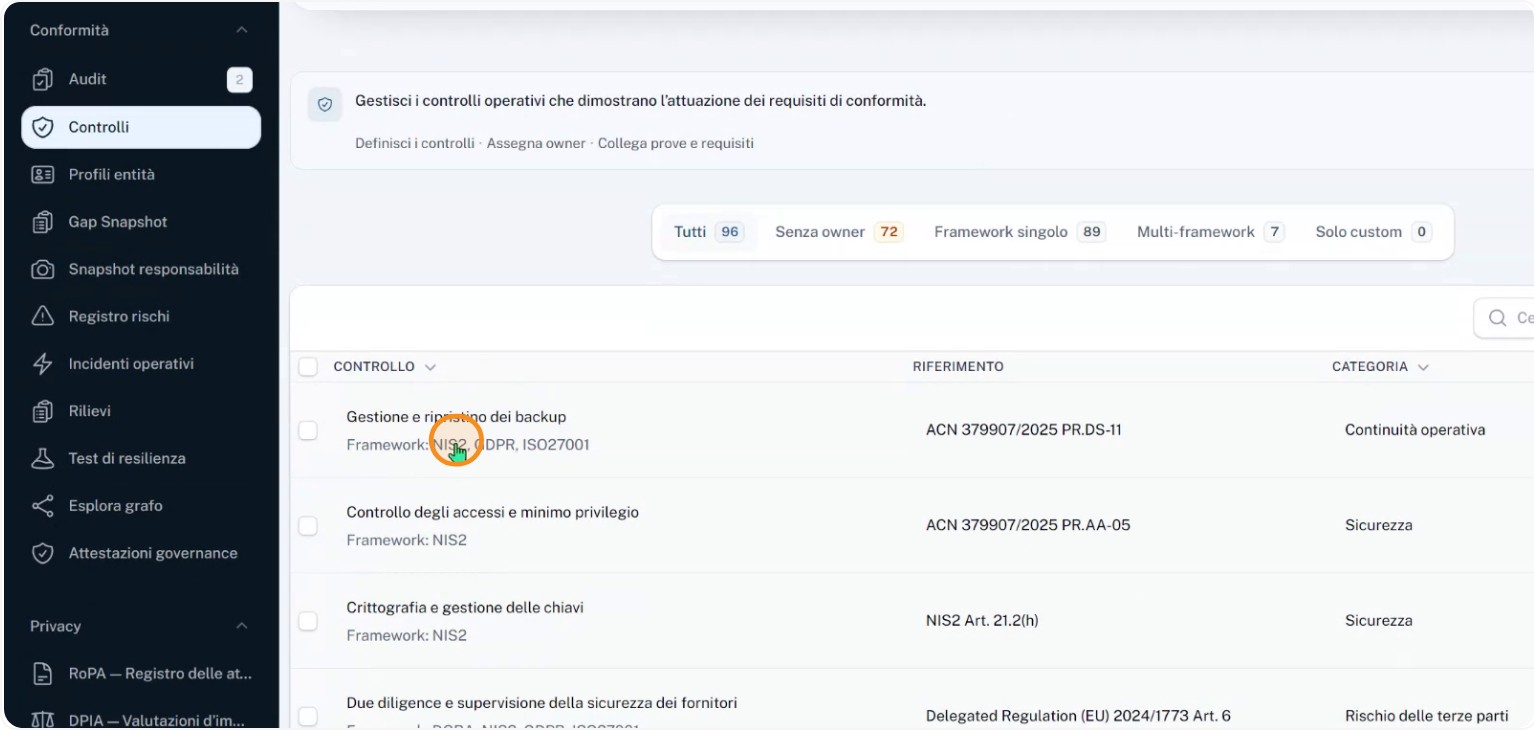
Each owner record can include a role, a responsibility level, and operational notes to fully document who does what for that control.
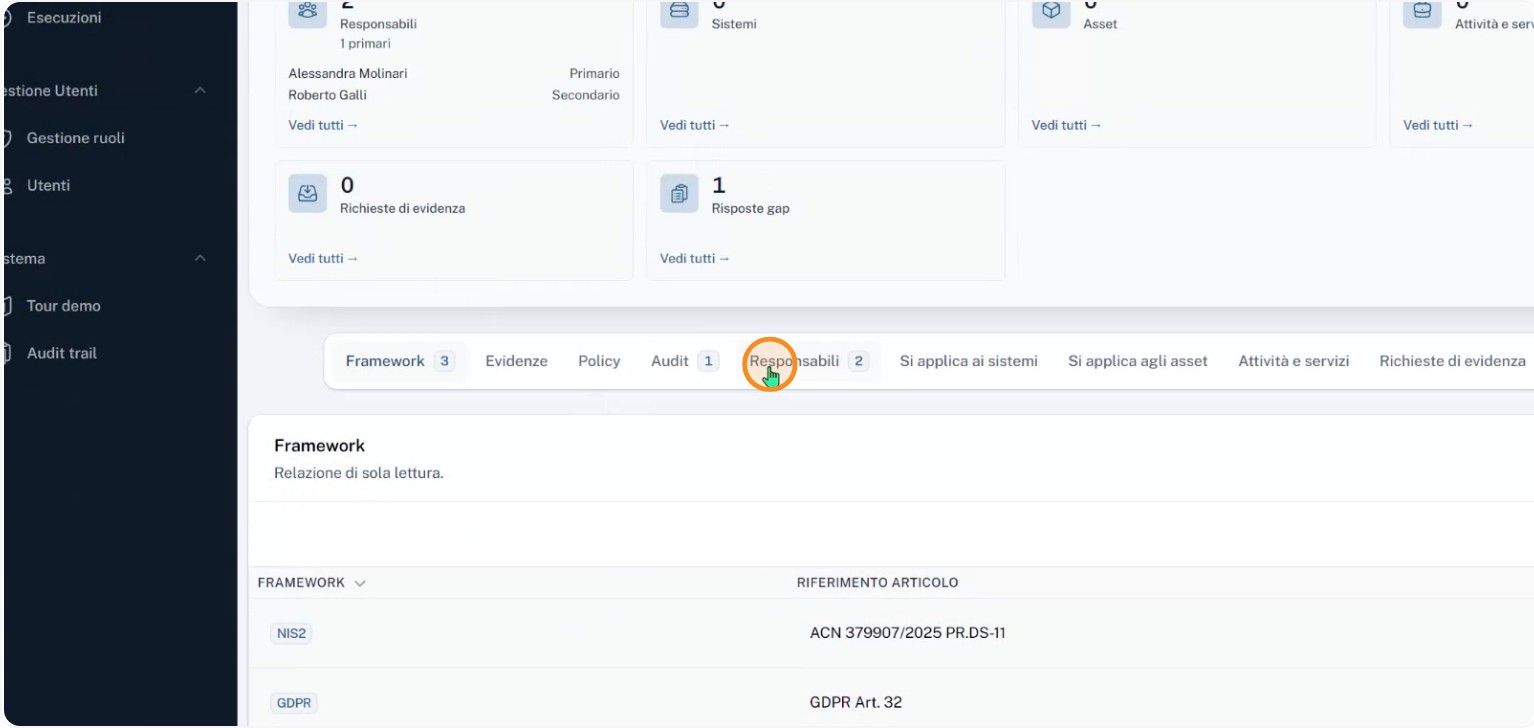
Step 2: Link a control to multiple regulatory frameworks
A single control can be linked to requirements from multiple frameworks (for example NIS2, GDPR, and ISO 27001) without duplicating the configuration. The control is defined once and retains the same owners and collected evidence across all connected frameworks.
For example, when you include the NIS2 security assessment in your audits, that audit will find the control within its scope along with the assigned owners and any evidence already uploaded. This lets one operational activity support multiple regulatory obligations and prevents re-uploading the same documents or creating inconsistent copies.
Step 3: Use the responsibility matrix to review assignments
The responsibility matrix provides a quick view of which controls already have owners and which still need assigned personnel.

From this view you can see who is associated with which controls and easily identify areas where assignments need to be completed or corrected.
Step 4: Open the audit to create an ownership snapshot
When you need to turn the current ownership state into formal evidence, you can freeze a snapshot of the responsibilities. AuditReady captures who was responsible for each control, including name, role, level, date, and the reason for the snapshot.
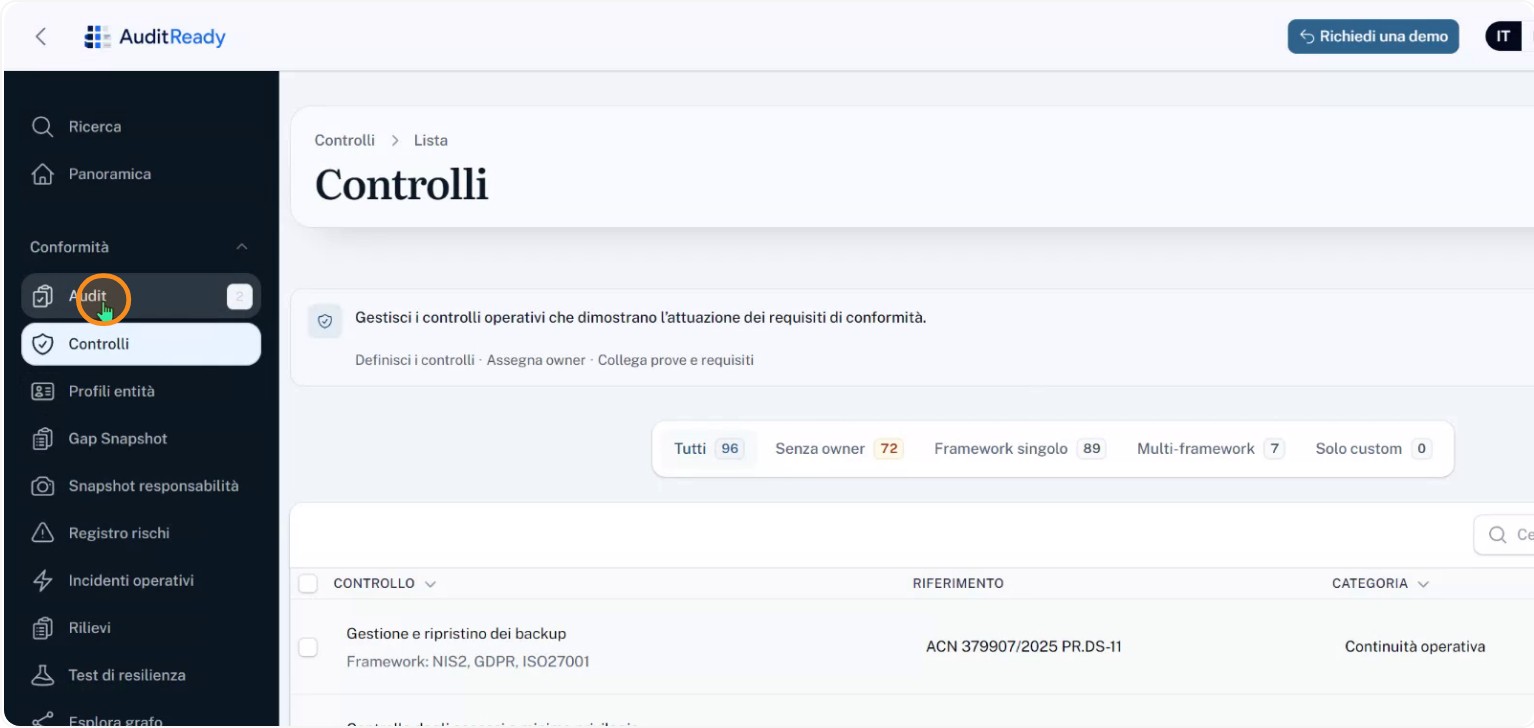
To create the snapshot, start from the Audit screen.
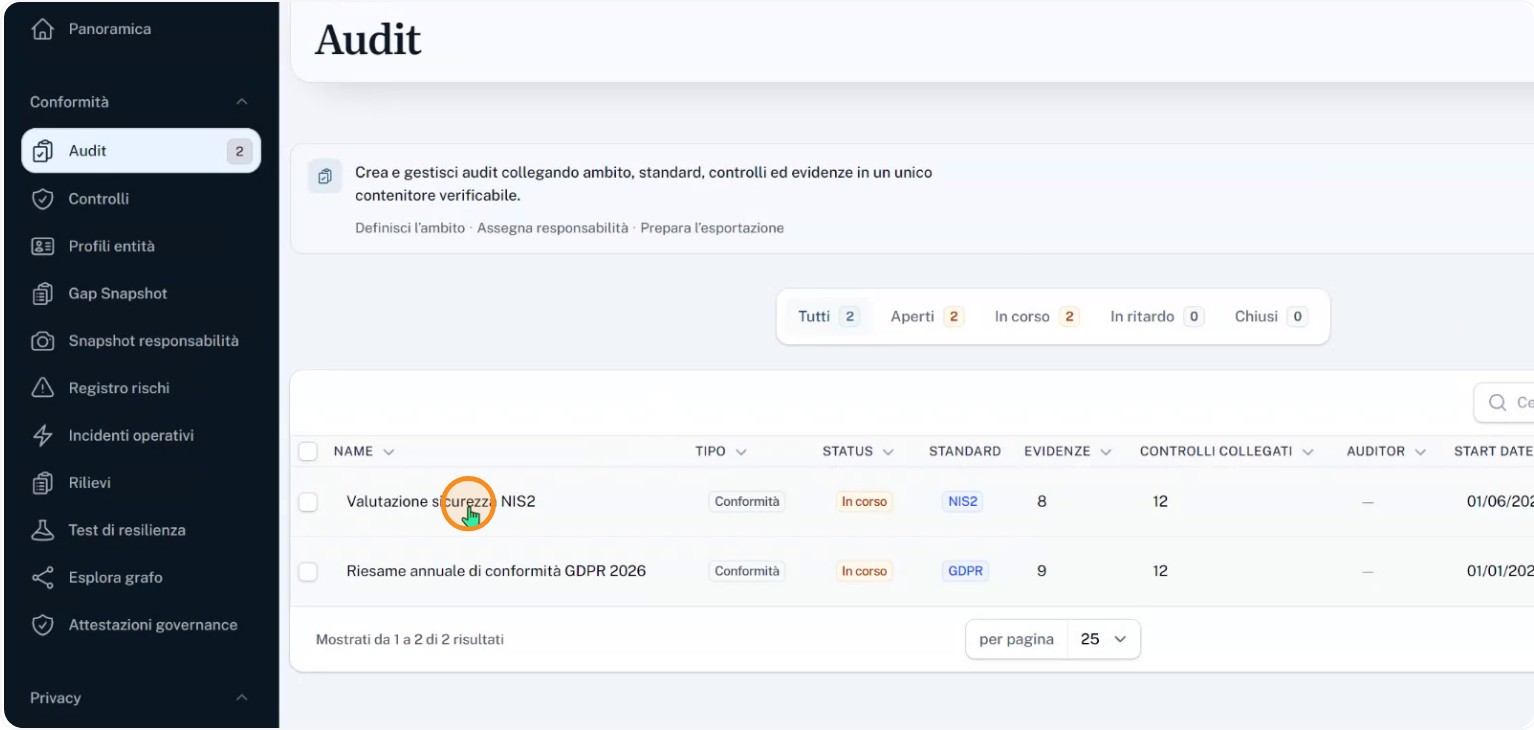
Select, for example, the NIS2 security assessment to work within that audit.
Step 5: Freeze the owners snapshot from the controls list
Inside the selected audit, open the section that lists the linked controls.
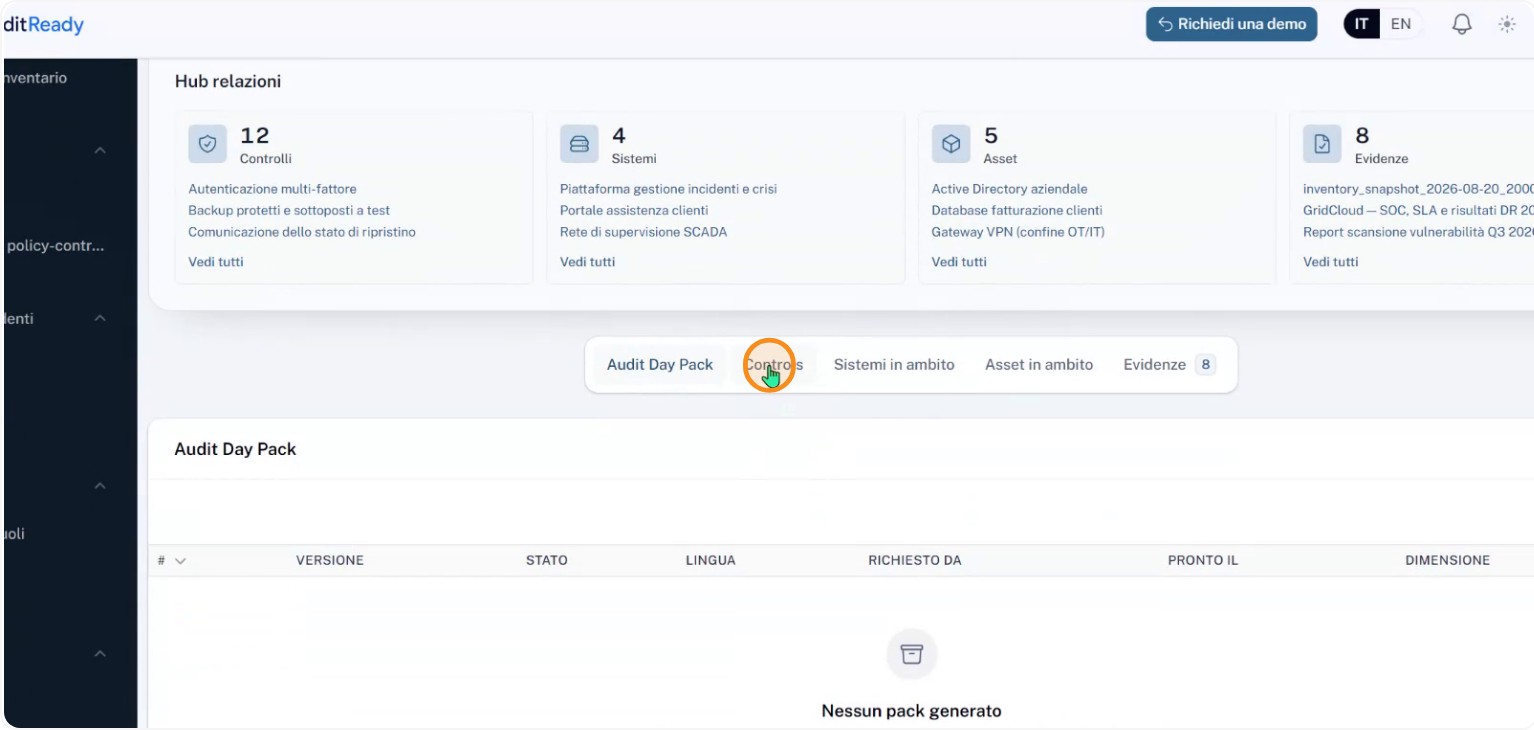
From this section you can trigger the freezing of the owners snapshot, saving a picture of the current assignments and links between controls and the audit.
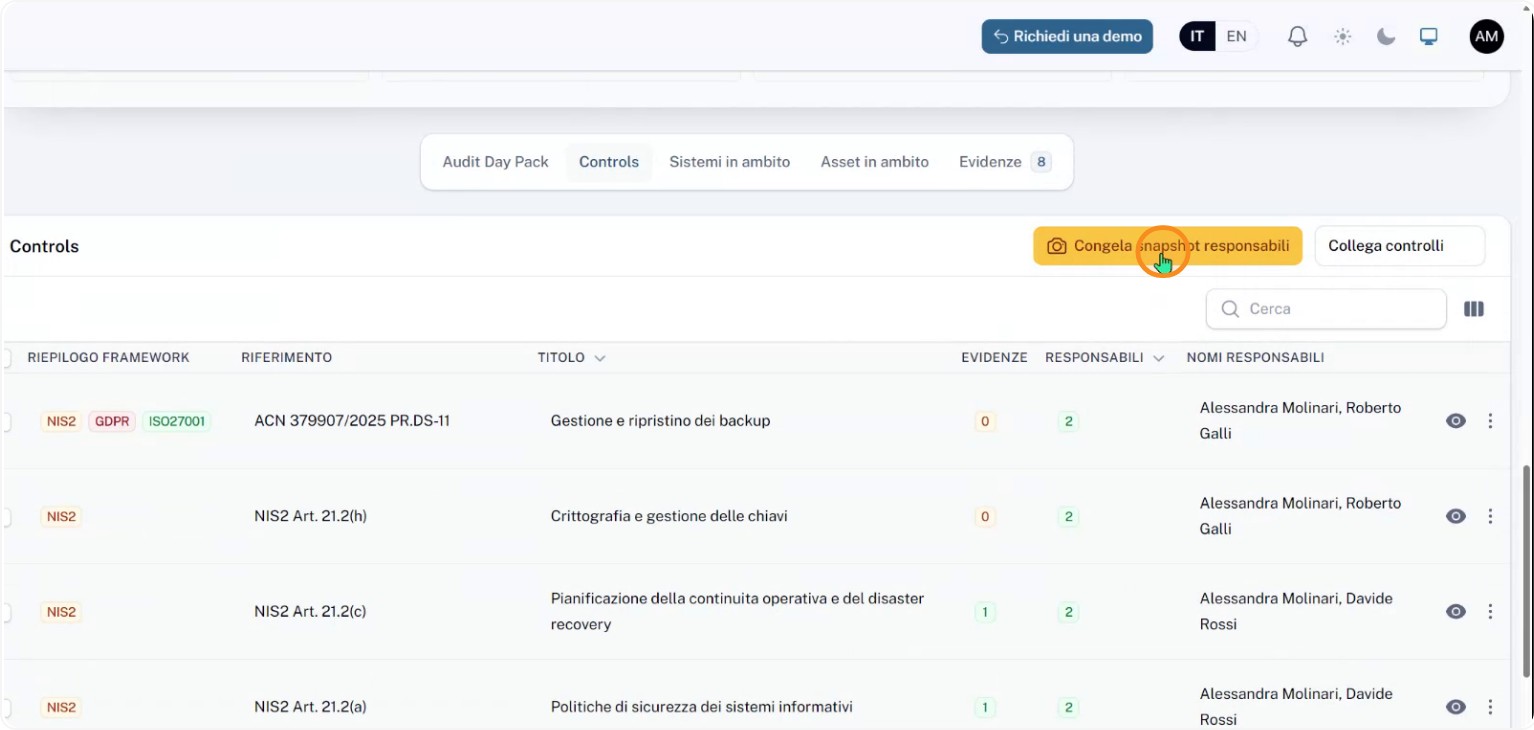
The owners snapshot records, immutably, the owners and the controls associated with that specific audit so the recorded state cannot change later even if users or owners are updated.
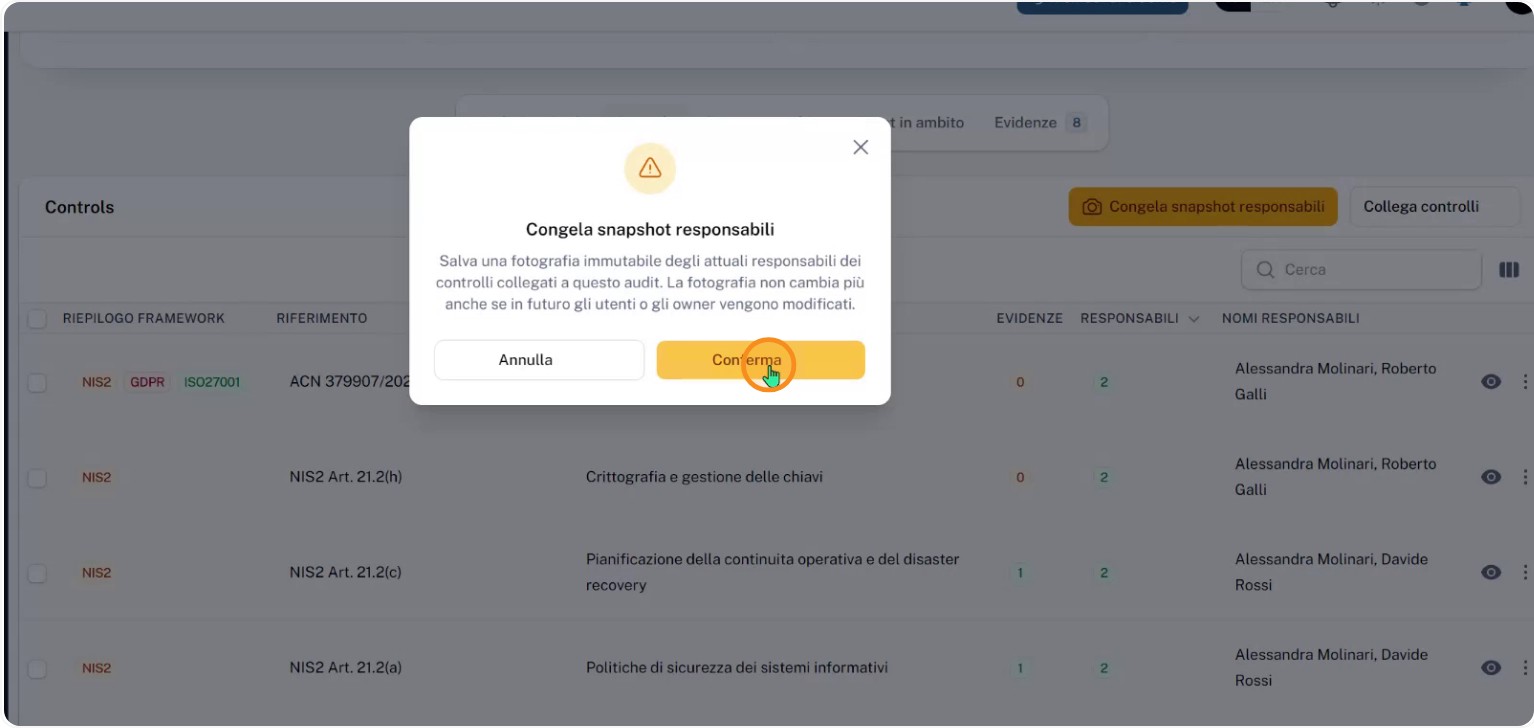
Step 6: View the owners snapshot and ensure immutability
After creation, you can open the owners snapshot to inspect the historical details.
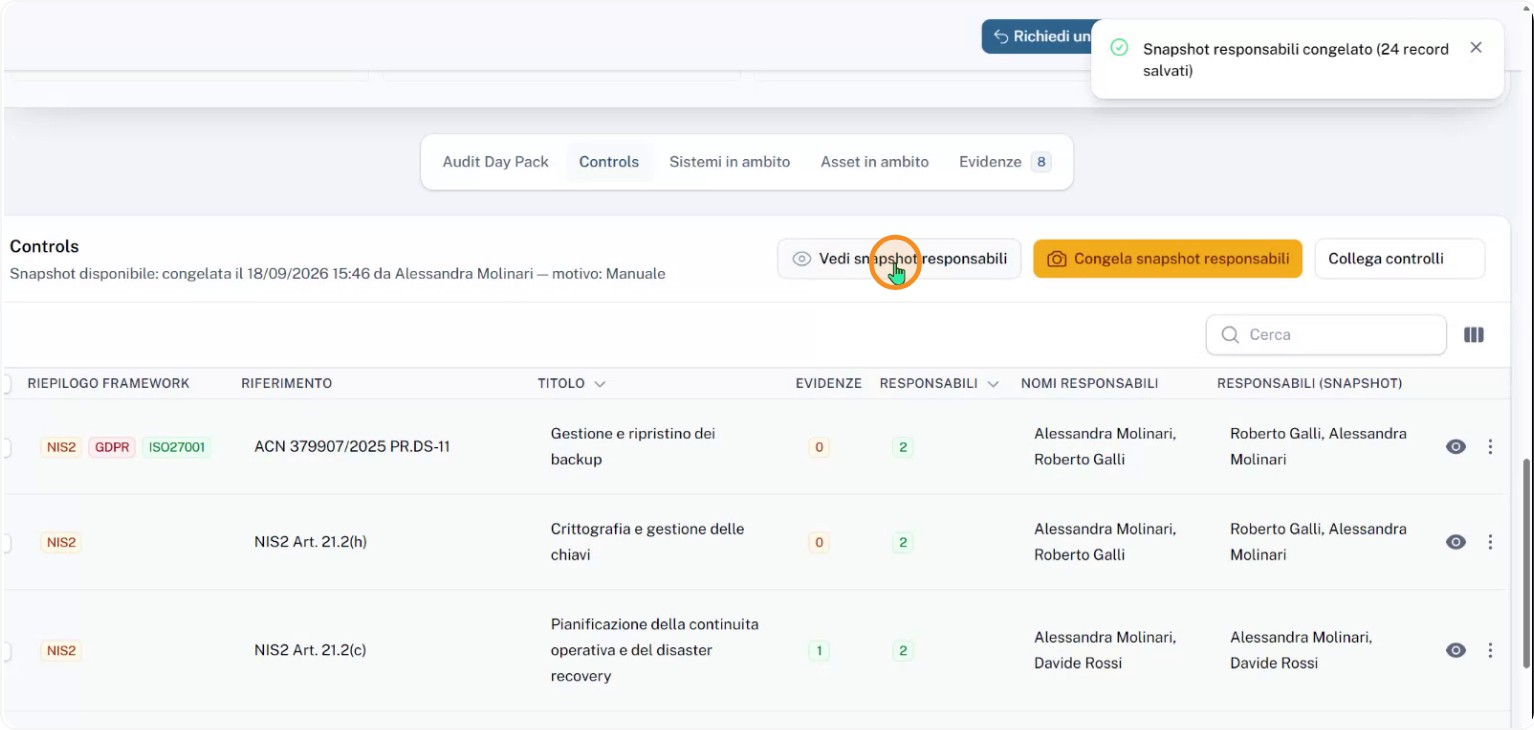
For each framework item you can see the primary owner, the secondary owner, the assigned role, and which controls those owners cover.
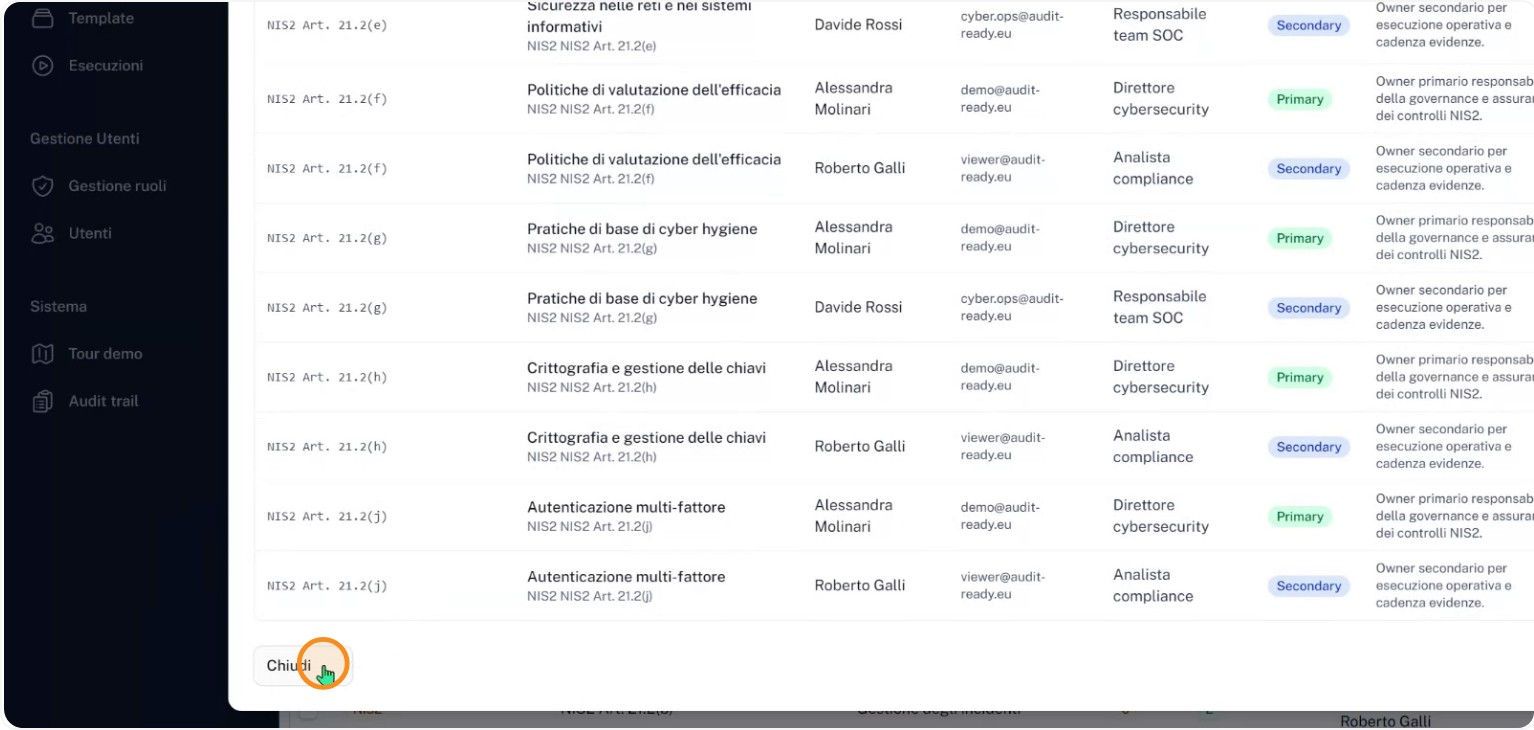
Even if users or assignments change later, the audit snapshot remains unchanged. This is how AuditReady combines multi-framework usage with historical traceability: work is done once but remains verifiable for every relevant audit.