
Managing Policies and Mapping Controls in AuditReady
This guide explains how to view the key information for a policy in AuditReady, check its links to regulatory controls, and use the mapping view to spot missing coverage and gaps against NIS2 requirements.
Step 1: Open the policy and check its main details
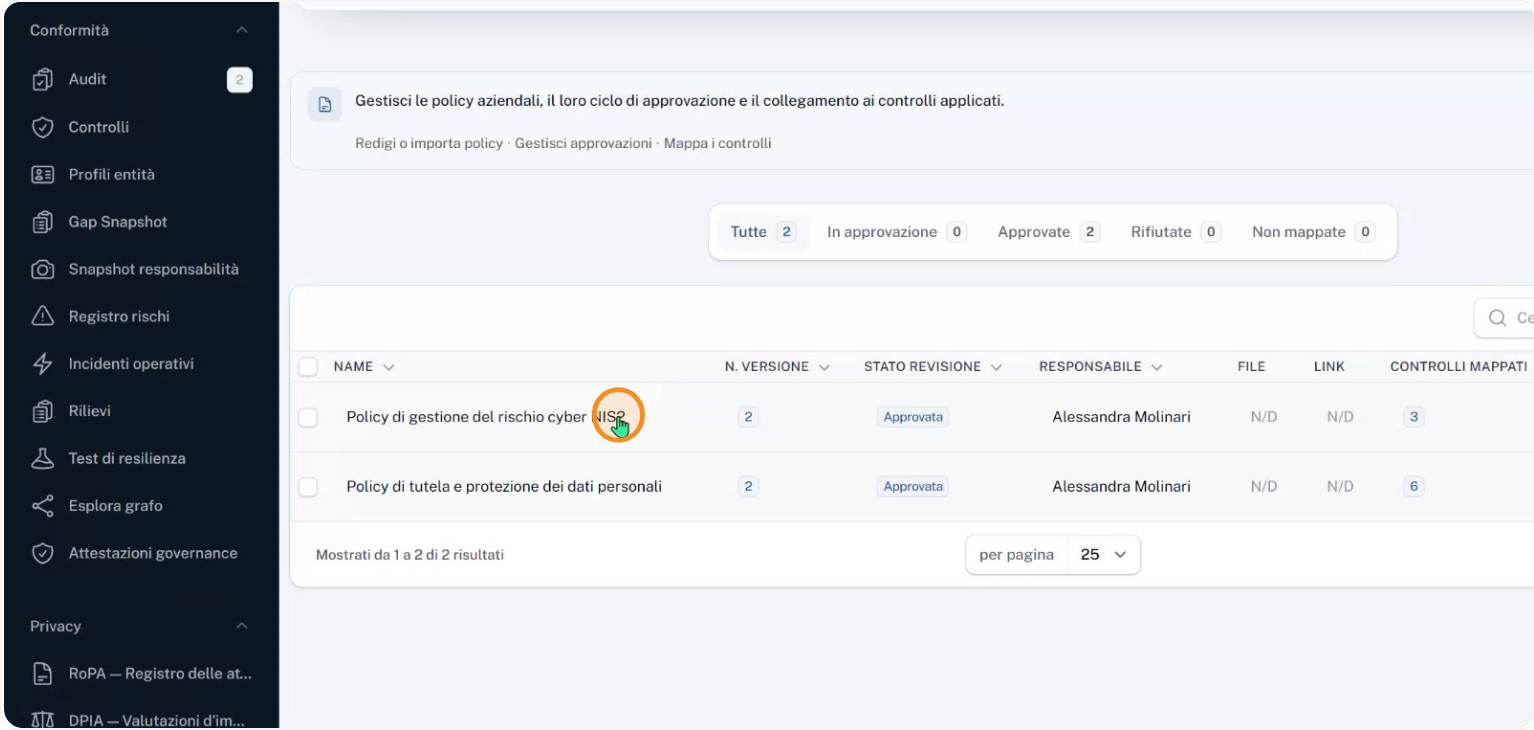
Log in to AuditReady and open the policy titled “Gestione del rischio cyber” that is mapped to the NIS2 regulation.
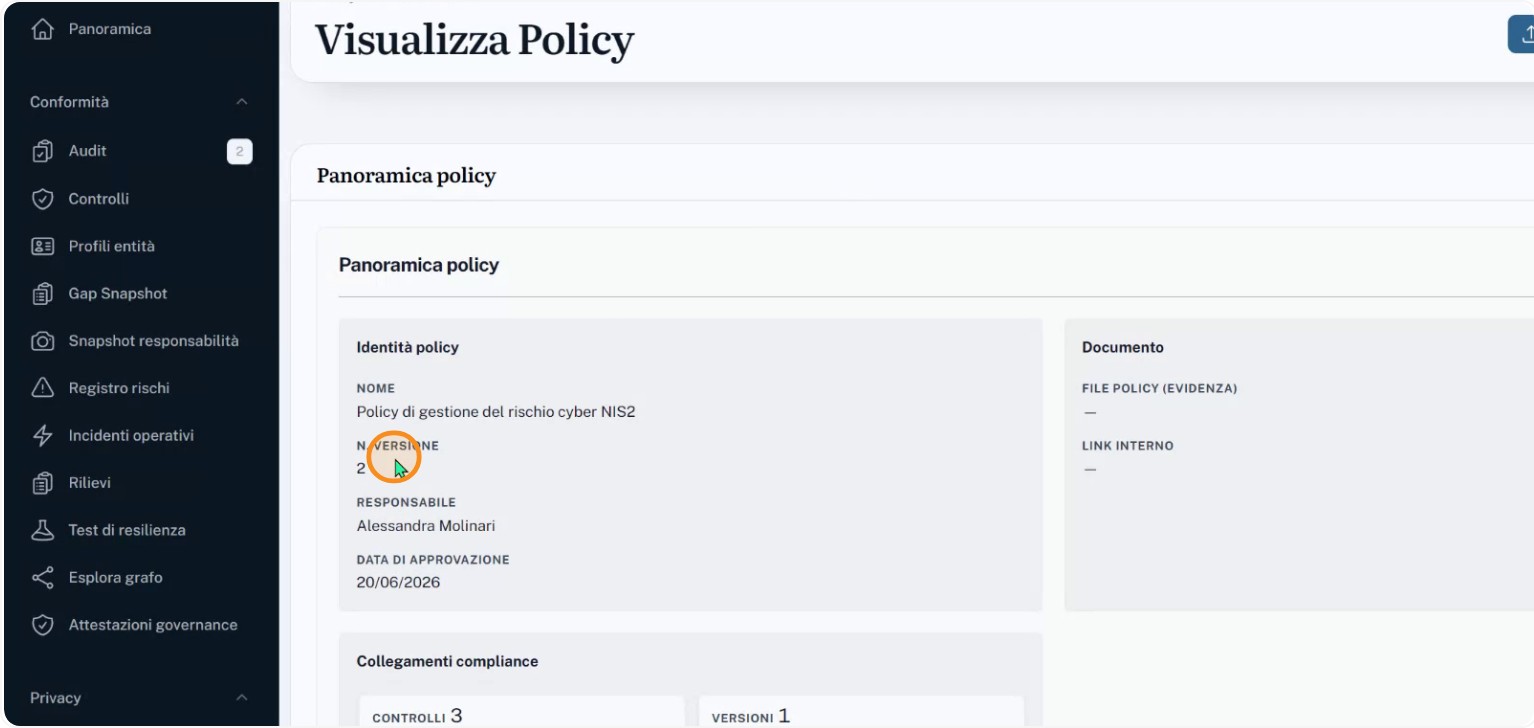
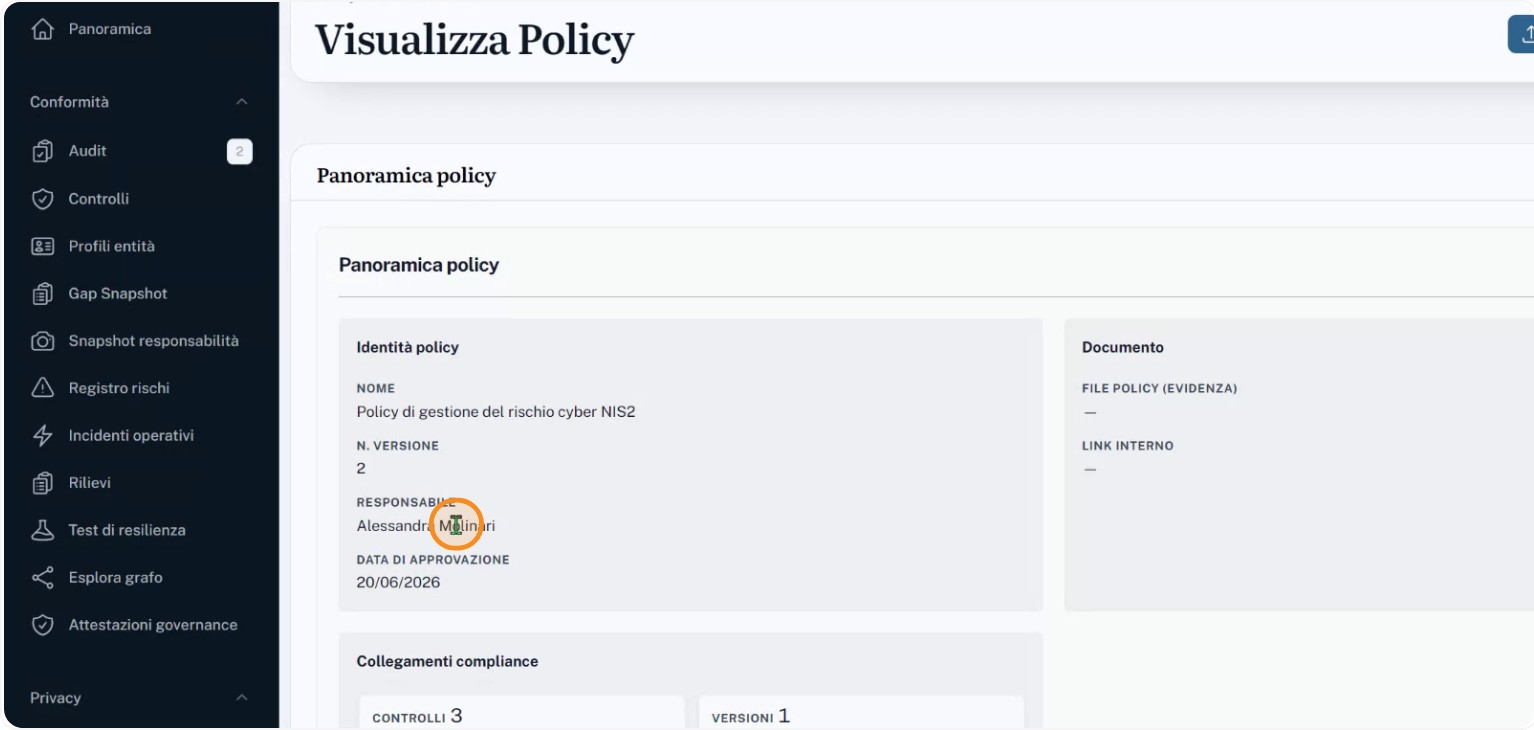
Make sure the policy metadata is visible: version, approval date, and the responsible person. The current version should be number two, approved on 20 June 2026, with Alessandra Molinari listed as the owner.
Step 2: Review the policy content
Read the text of the “Gestione del rischio cyber” policy and identify the topics it covers: security measures for essential services, risk and incident management, business continuity, supply chain security, and vulnerability management for OT and IT environments. Confirm these topics are properly described and aligned with NIS2 objectives.
Step 3: Check the relationships hub and linked controls
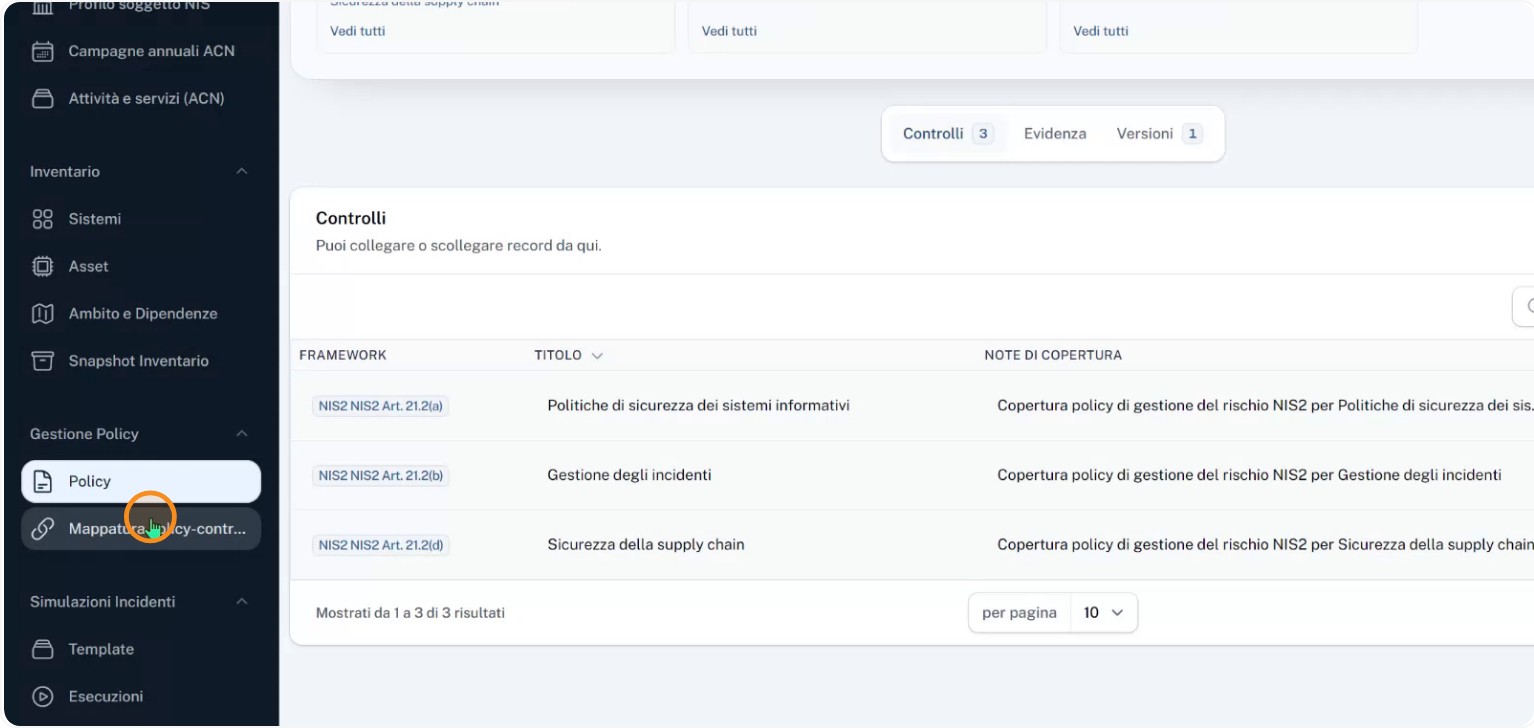
Open the policy’s relationships hub to see which controls are formally linked. In this example, you should see at least three controls:
- Security policies for information systems
- Incident management
- Supply chain security
Check that each control includes explanatory notes describing how the policy contributes to its coverage, so the connection between company rule and regulatory requirement is traceable and demonstrable.
Step 4: Use the “policy-controls mapping” view
Open the “policy-controls mapping” view to get an overall picture of how the policy covers NIS2 controls.
Verify that nine controls are mapped and that any others are clearly identifiable as missing coverage. Investigate misalignments — for example, the policy may state it addresses business continuity yet the corresponding NIS2 control is not formally linked.
Step 5: Identify gaps and complete the mapping
Based on the missing coverage highlighted in the mapping view, determine which company rules implement each requirement and where gaps remain. Then complete the mapping by linking the missing controls and, if needed, updating the policy or its supporting documentation. This converts a simple collection of policies into a verifiable structure where each regulatory requirement shows which policy covers it and which areas still need action.