
Overview of critical systems and dependencies in AuditReady
This guide explains how to use AuditReady to examine critical systems, their assets, supplier dependencies, and related compliance information (audits, evidence, and incident simulations), so you can link the technical inventory to compliance activities.
Step 1: Review the inventory of critical systems
AuditReady’s inventory lists the systems that support operations—not as a simple document list, but as a structured set of systems, assets, and services. In this example there are seven critical systems, three of which are classified as essential. For each system
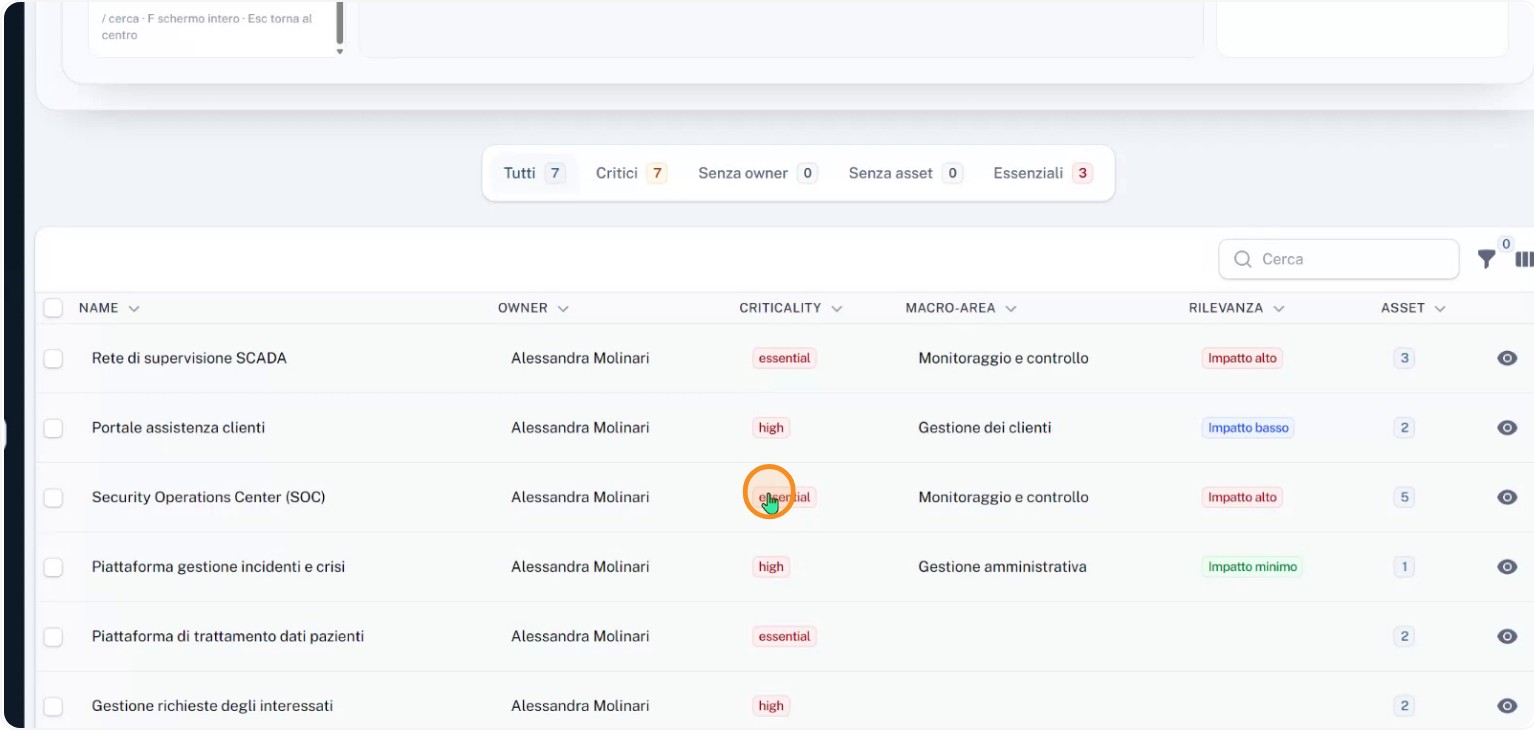
the system owner, criticality level, supported business function, and impact relevance are shown. From this same view you can open a relationship graph to quickly see how each system connects to other elements in the environment.
Step 2: Open the details for an essential system
Select, for example, the STADA supervision network: it’s an essential system with high impact, managed by Alessandra Molinari, and it has three linked assets. Opening the system detail
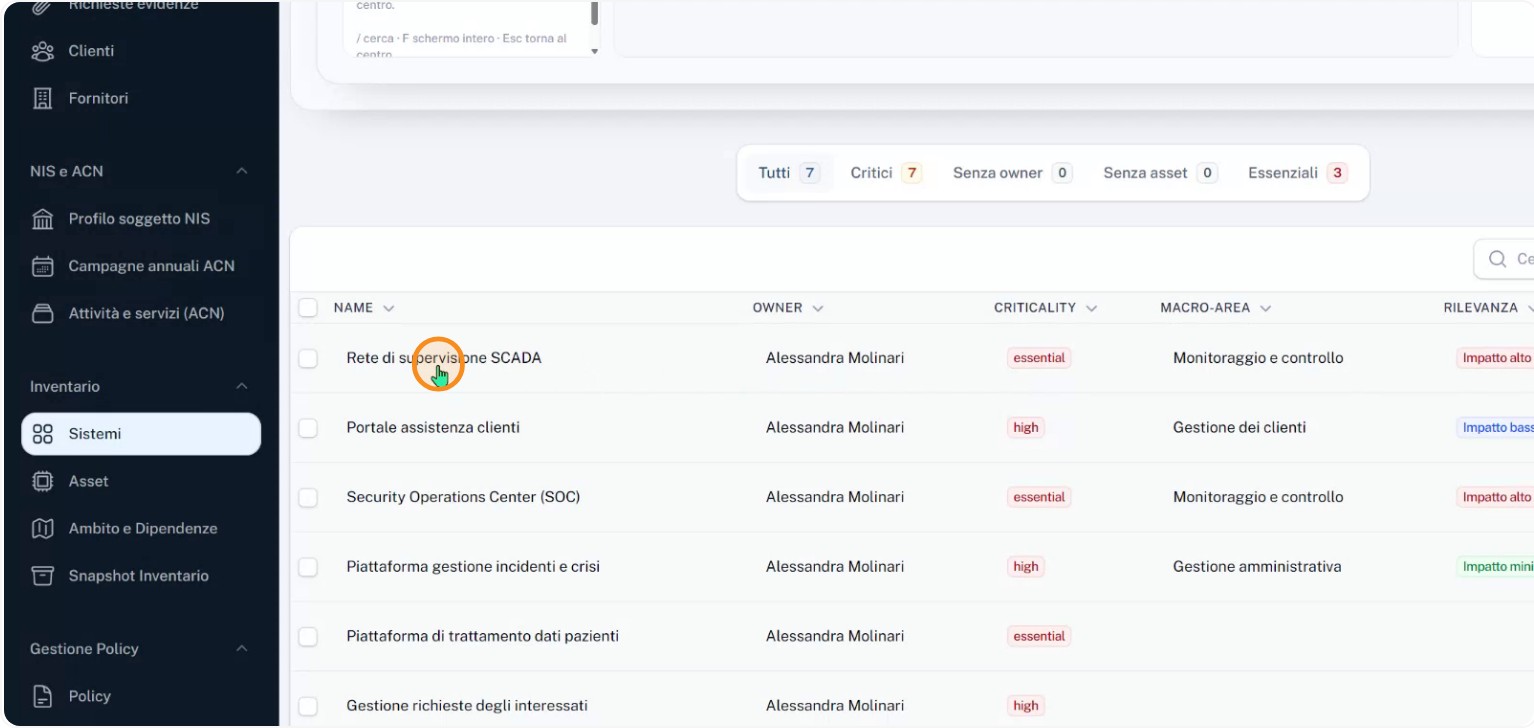
lets you see which assets are associated and how they contribute to the system’s overall criticality.
Step 3: Inspect the connected assets and their criticality
The STADA system detail lists the connected assets: the VPN gateway, the backup infrastructure, and the HMI/SCADA workstations. Each asset shows its own criticality level so you can identify which components could amplify the impact of an incident and therefore need stronger controls and protection.
Step 4: Check suppliers, audits, evidence, and incident simulations
On the same detail card you can also view the suppliers on which the system depends, to map external dependencies.
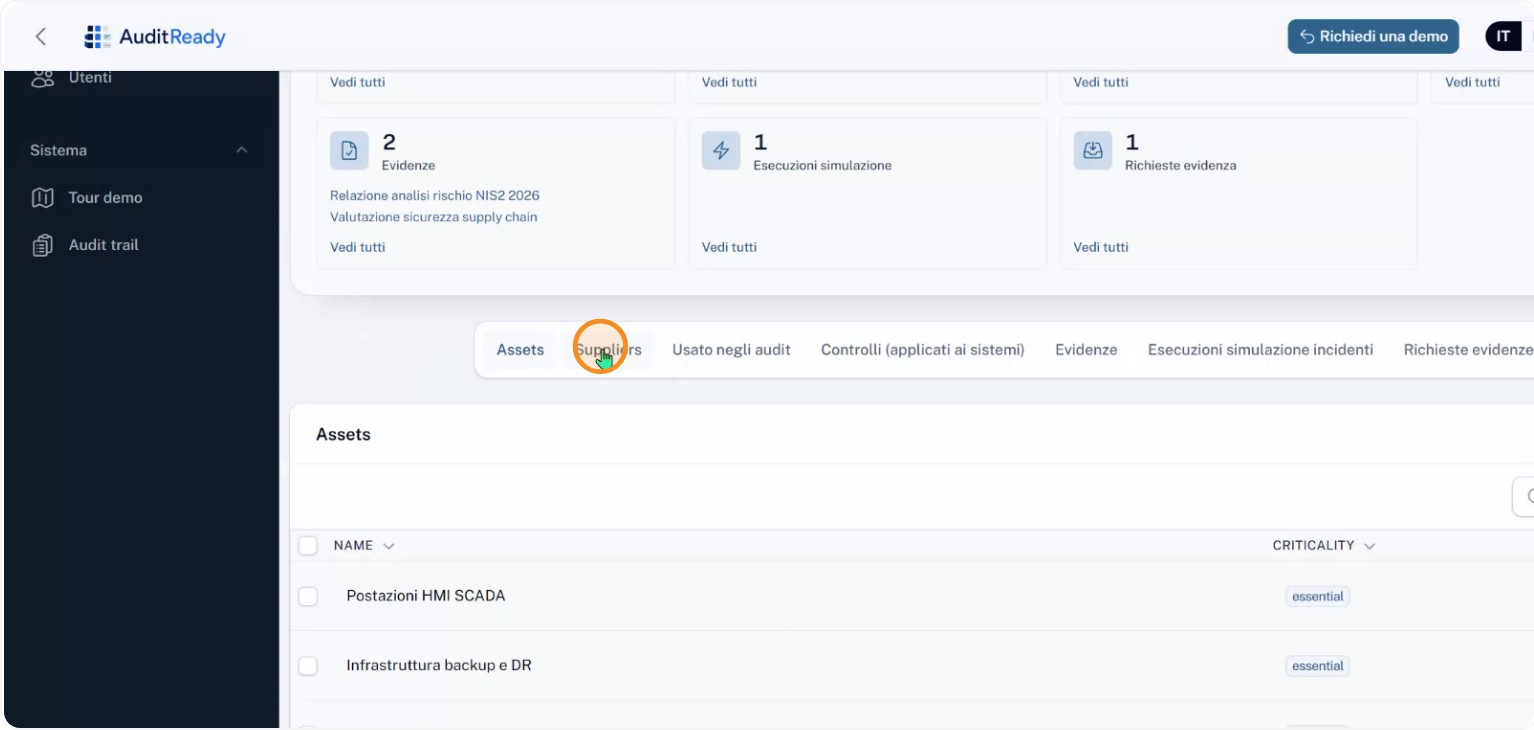
You can also see the audit that includes the system, the available compliance evidence, and an
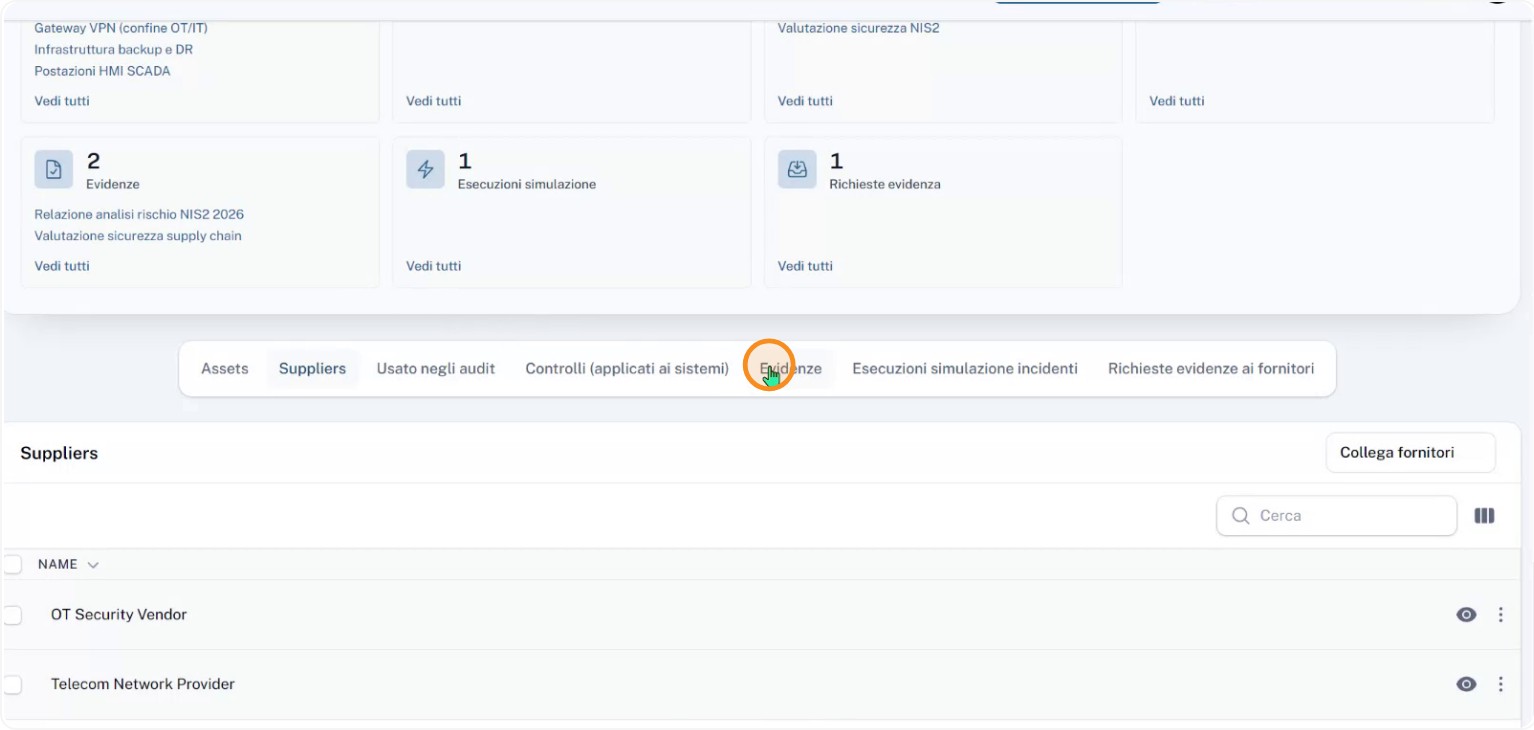
incident simulation
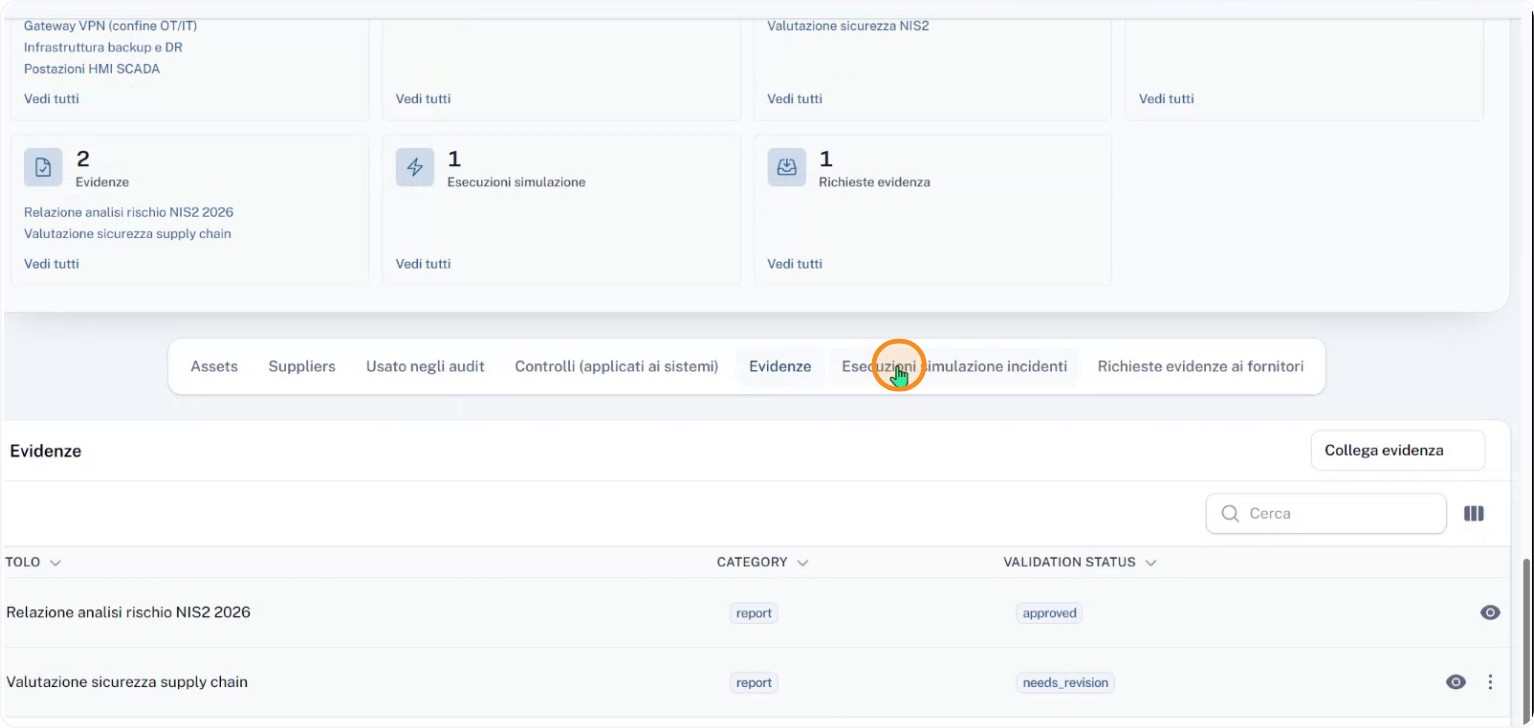
linked to the system, as well as an evidence request already
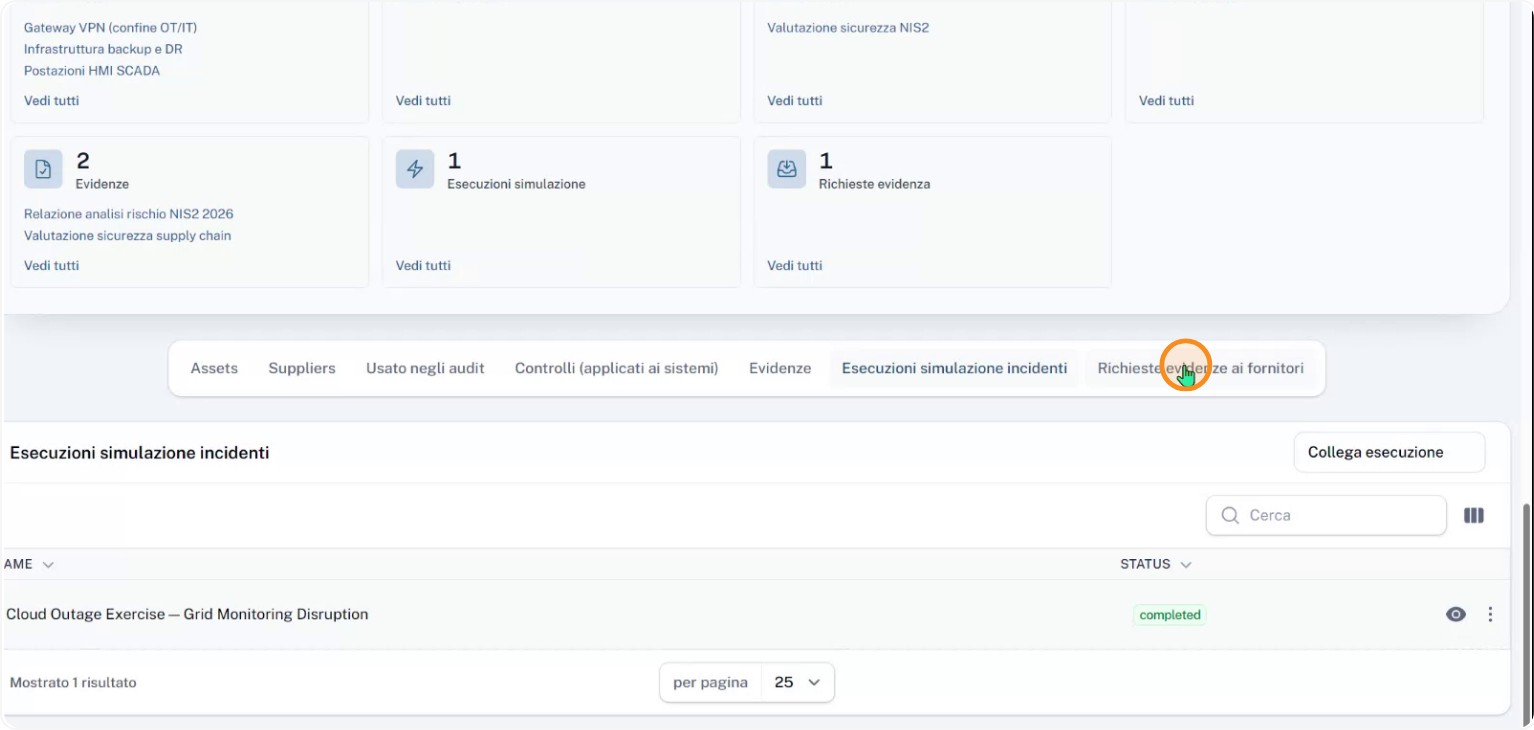
sent to a supplier. Having these details in a single view shows the progress of verification activities and supplier interactions.
Step 5: Use the “dependency scope” view to focus your analysis
The
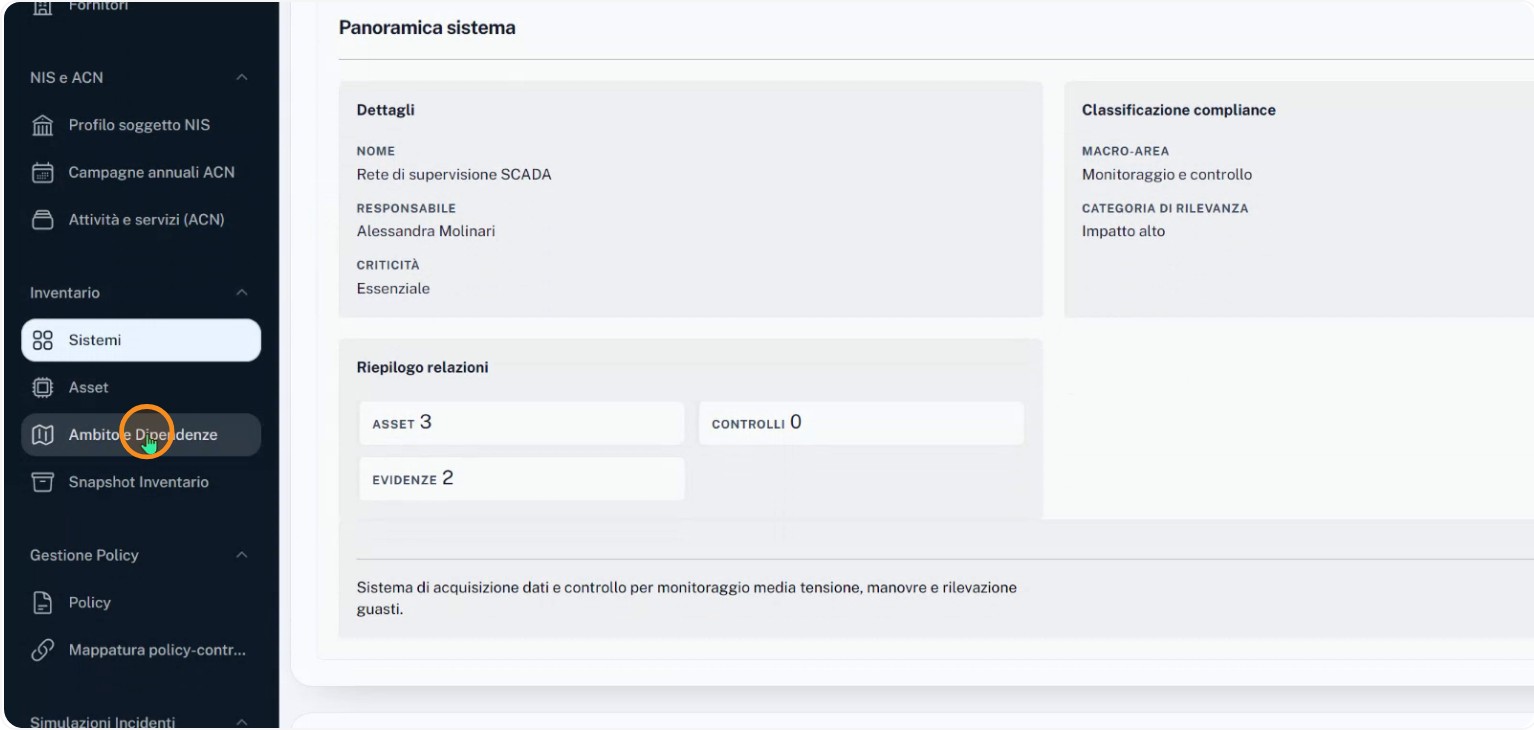
"dependency scope" view aggregates all information about systems, assets, suppliers, audits, evidence, and simulations, making it easy to concentrate on essential systems. From here you can quickly identify, for example, the patient data processing platform, the SCADA network, and the Security Operation Center. Applying filters by criticality, supplier, or tag helps narrow the analysis perimeter and pinpoint which dependencies could propagate the impact of an incident. In this way AuditReady structurally links the technical inventory to compliance work, treating systems, assets, suppliers, audits, and evidence as parts of the same verifiable context.